

CFD Post Online Courses
Here's every CFD online course related to CFD Post category.
![ANSYS Fluent Simulation Projects [FREE] Real-World CFD Simulation Projects](https://mr-cfd.nbg1.your-objectstorage.com/media/1908/conversions/01M48Y0MX66KA20WMBNVPX72QD-webp.webp)
ANSYS Fluent Simulation Projects [FREE] Real-World CFD Simulation Projects
Beginner, Intermediate
Price: Free
Dive into 39 free, real-world CFD simulation projects covering heat transfer, aerodynamics, and multiphase flows using the complete Ansys pipeline—from DesignModeler and SpaceClaim geometry to Fluent setup and CFD-Post analysis. If you need a structured foundation before tackling these complex exercises, master the core workflow with our guided ANSYS Fluent beginner project training and buy for $9 to launch your applied CFD journey today!
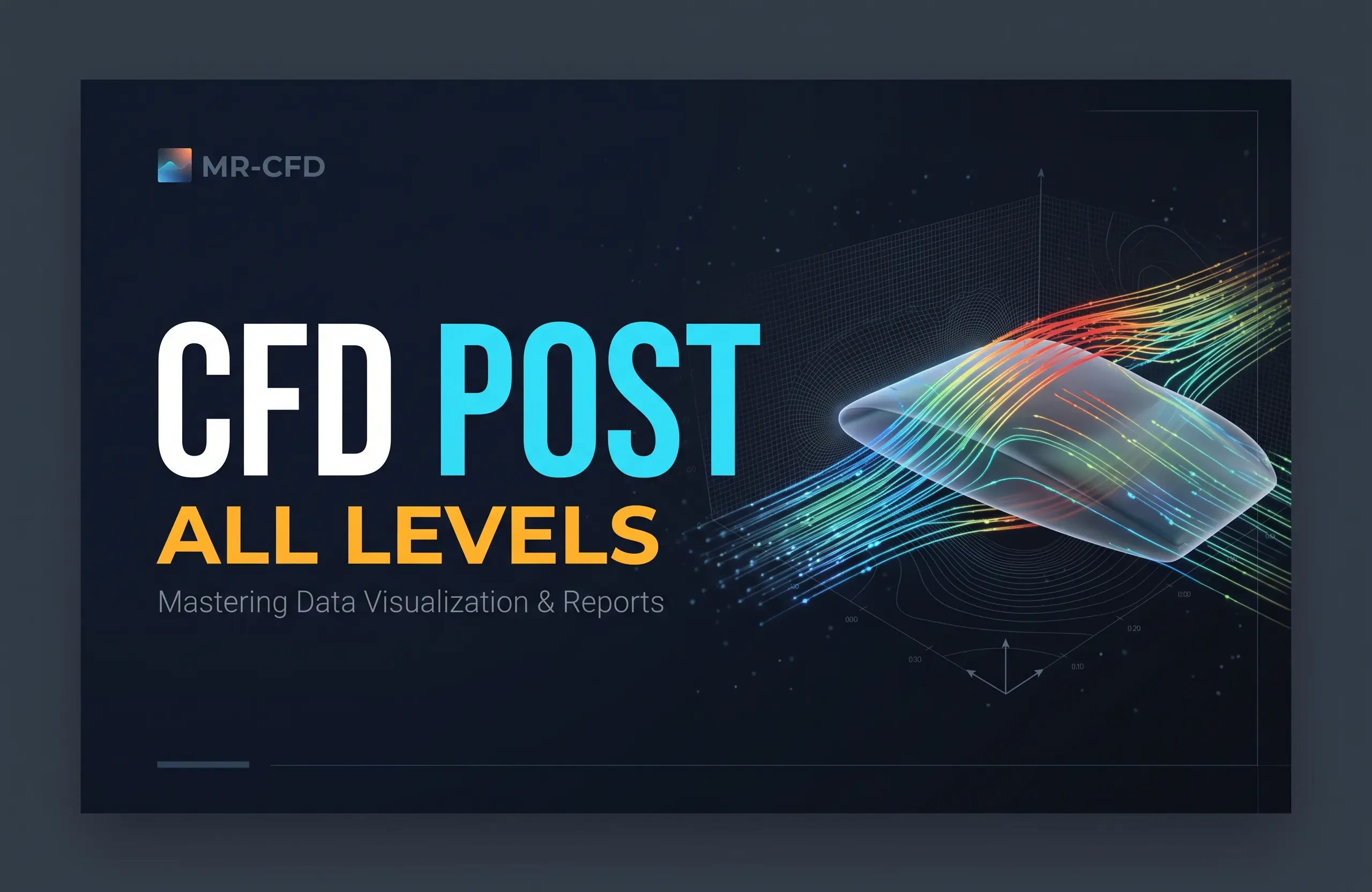
ANSYS CFD-Post Training Course
Beginner, Intermediate, Advanced
Price: Free
In this course, you will learn how to use different tools for post-processing, including making contours, vectors, streamlines, plots, animations, etc. It should be noted that all the related settings and options will be discussed in detail; however, it has been tried to be as practical as possible so that the graduates would be able to work efficiently with the software after the end of the course.
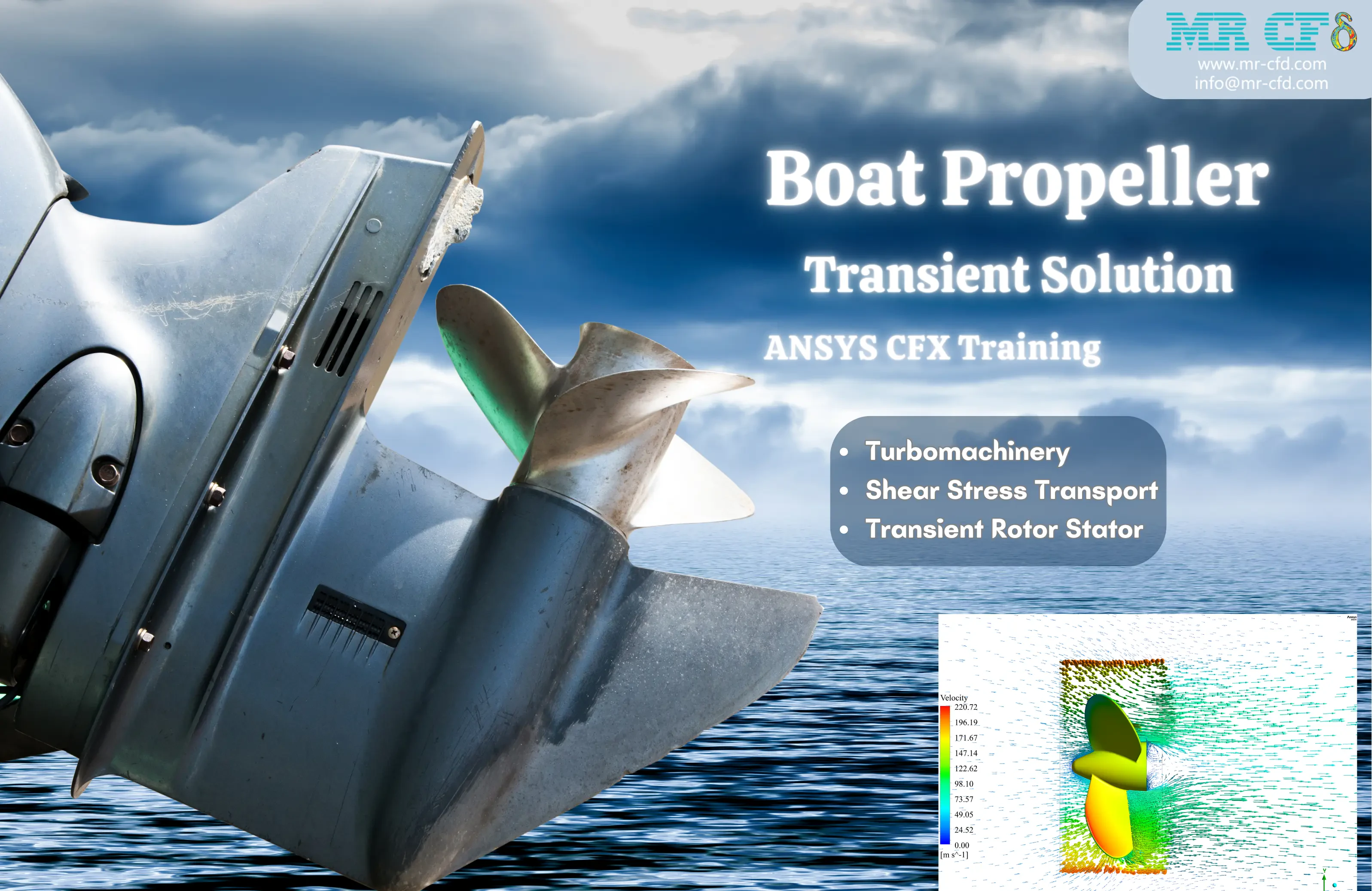
Boat Propeller Transient Solution, ANSYS CFX Training
Beginner, Intermediate, Advanced
Price: $120
The problem numerically simulates the rotation of Boat Propeller using ANSYS CFX software. The geometry is designed in a 3D model with the SpaceClaim software. We performed the mesh of the model with ANSYS Meshing software, and the element number equals 4,037,941. The solution is carried out in transient form. Transient Rotor Stator is set for frame change model of the interfaces.
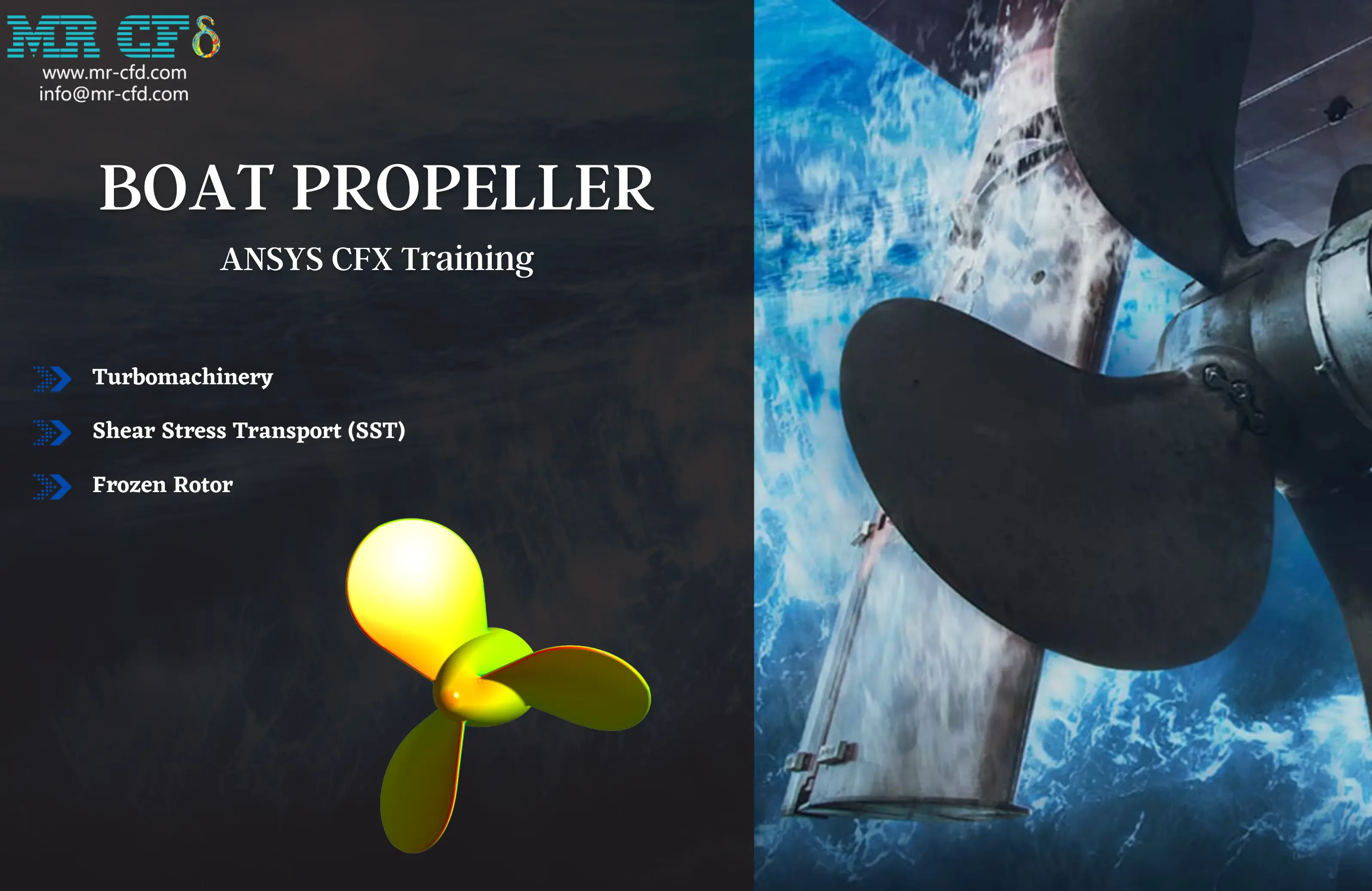
Boat Propeller, Steady State ANSYS CFX Training
Beginner, Intermediate, Advanced
Price: $100
The problem numerically simulates the rotation of Boat Propeller using ANSYS CFX software. The geometry is designed in a 3D model with the SpaceClaim software. We performed the mesh of the model with ANSYS Meshing software, and the element number equals 4,037,941. Frozen Rotor is set for frame change model of the interfaces.
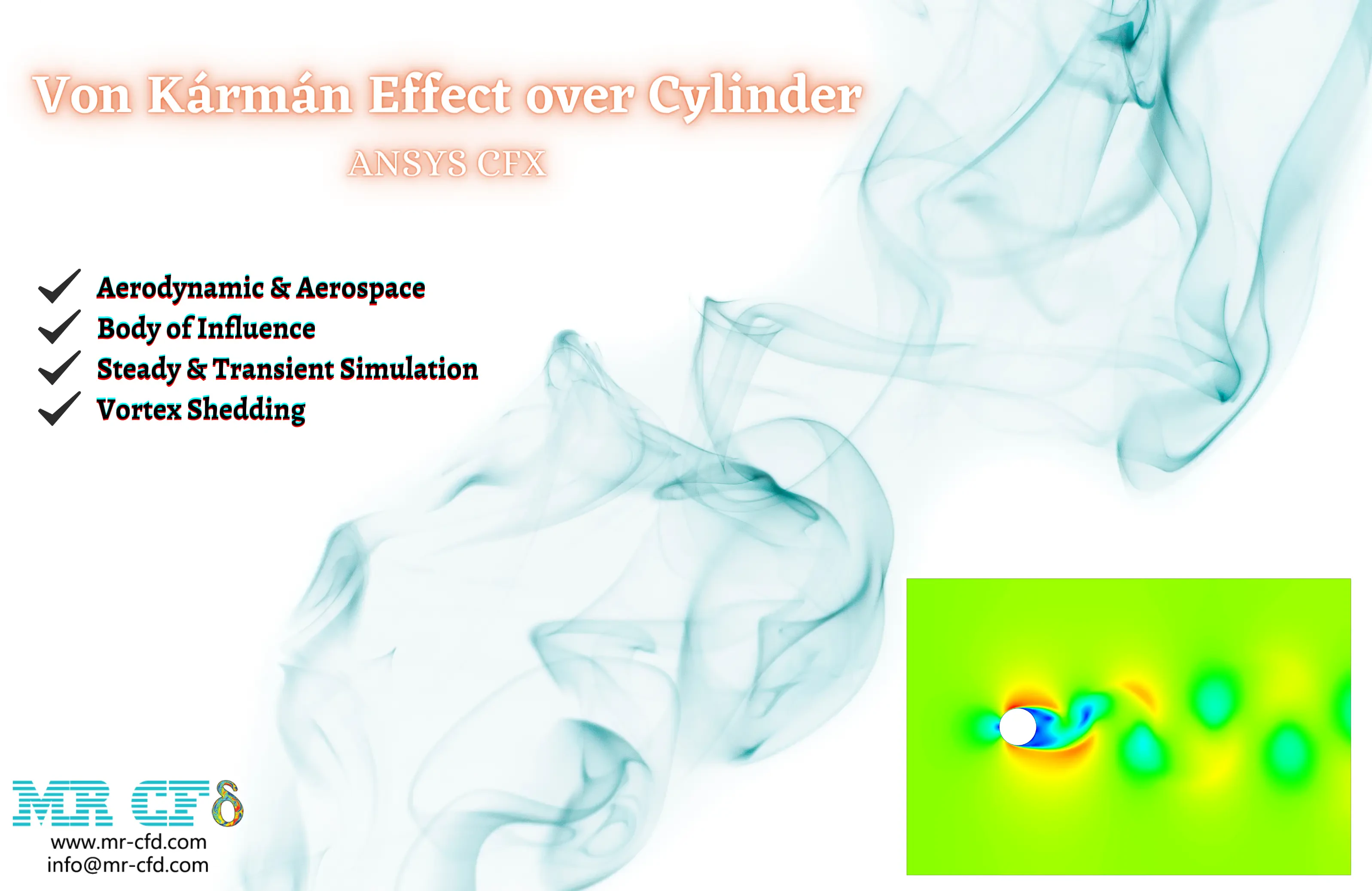
Von Kármán Effect over Cylinder, ANSYS CFX
Beginner, Intermediate, Advanced
Price: $80
The problem numerically simulates the Von Kármán effect behind a cylinder using ANSYS CFX software. The geometry is designed in a 2.5D model with the Design Modeler software. We performed the mesh of the model with ANSYS Meshing software, and the element number equals 77,262. Body of Influence option is used to create smaller elements around the cylinder. The Transient and Steady form of the solution is performed.
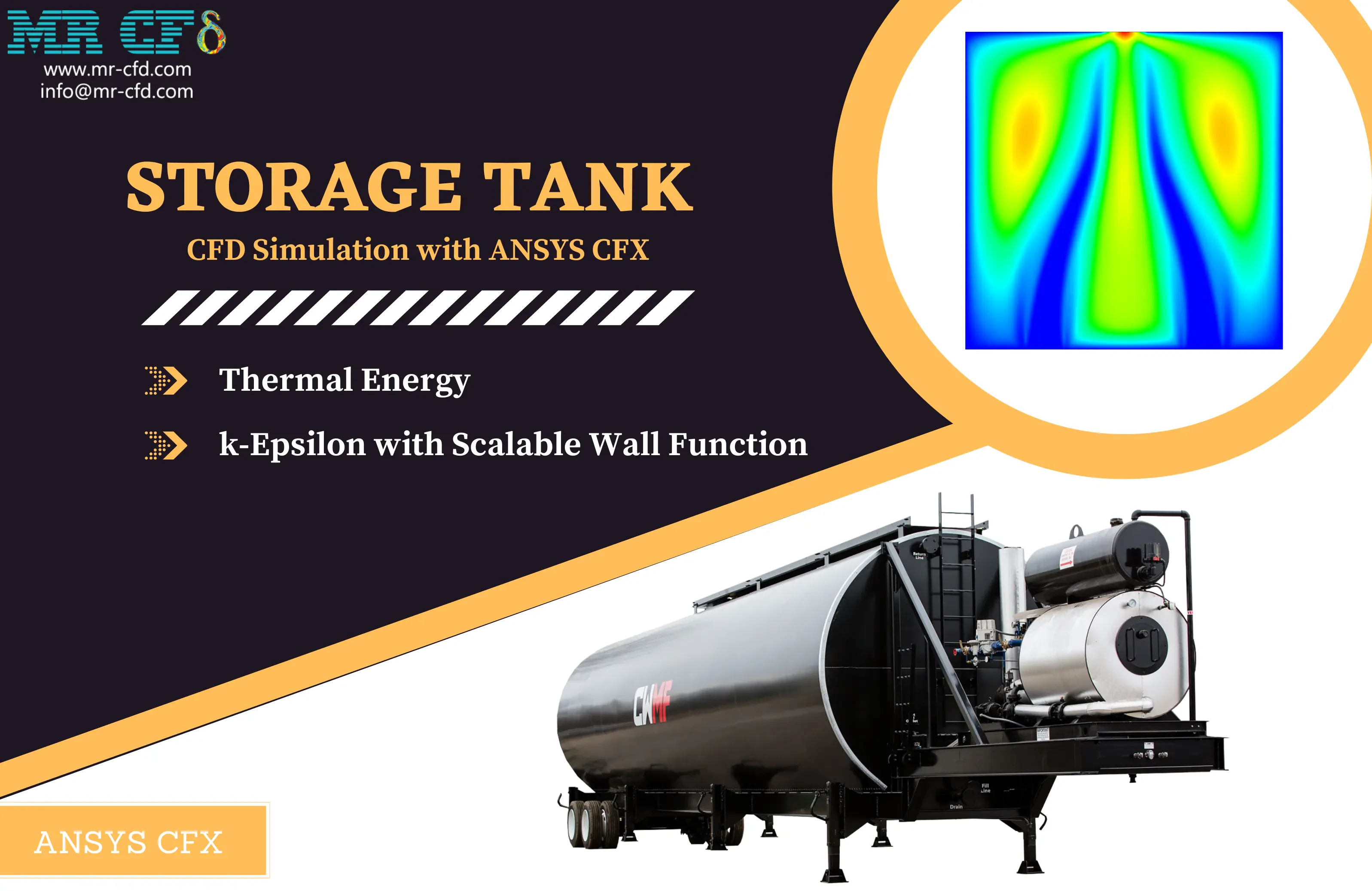
Storage Tank CFD Simulation, ANSYS CFX
Beginner, Intermediate, Advanced
Price: $120
Thermal Analysis in a storage tank via ANSYS CFX software. The geometry is designed using ANSYS Design modeler software and the mesh is created on this geometry using ANSYS Meshing software. The mesh type is Structured with 10,100 cells. Thermal Energy is enabled to capture the temperature. The Mixing & Convection phenomena are involved in this simulation.