

Dynamic Mesh Online Courses
Here's every CFD online course related to Dynamic Mesh category.
Price: $63
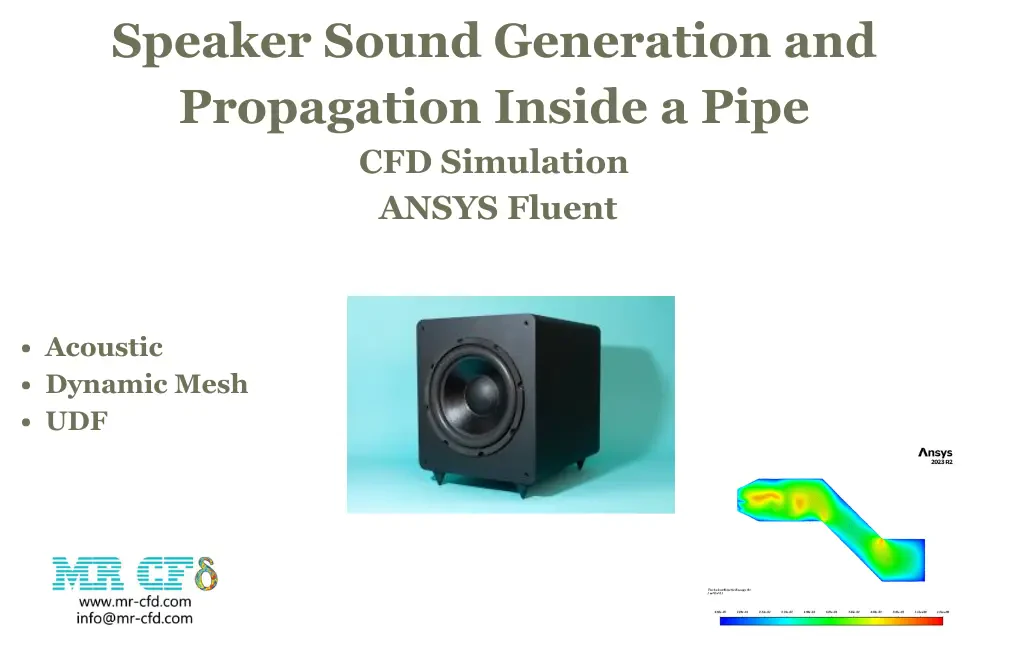
In this project, generation of sound by displacing of speaker diaphragm is modeled using ANSYS Fluent. The geometry was created in SpaceClaim, and a mesh consisting of 687,500 elements was generated using ANSYS Meshing. Dynamic mesh used to model the movement of diaphragm during simulation. In this project we are going to analyze and see how a speaker can generate a specific sound wave.
Price: $20
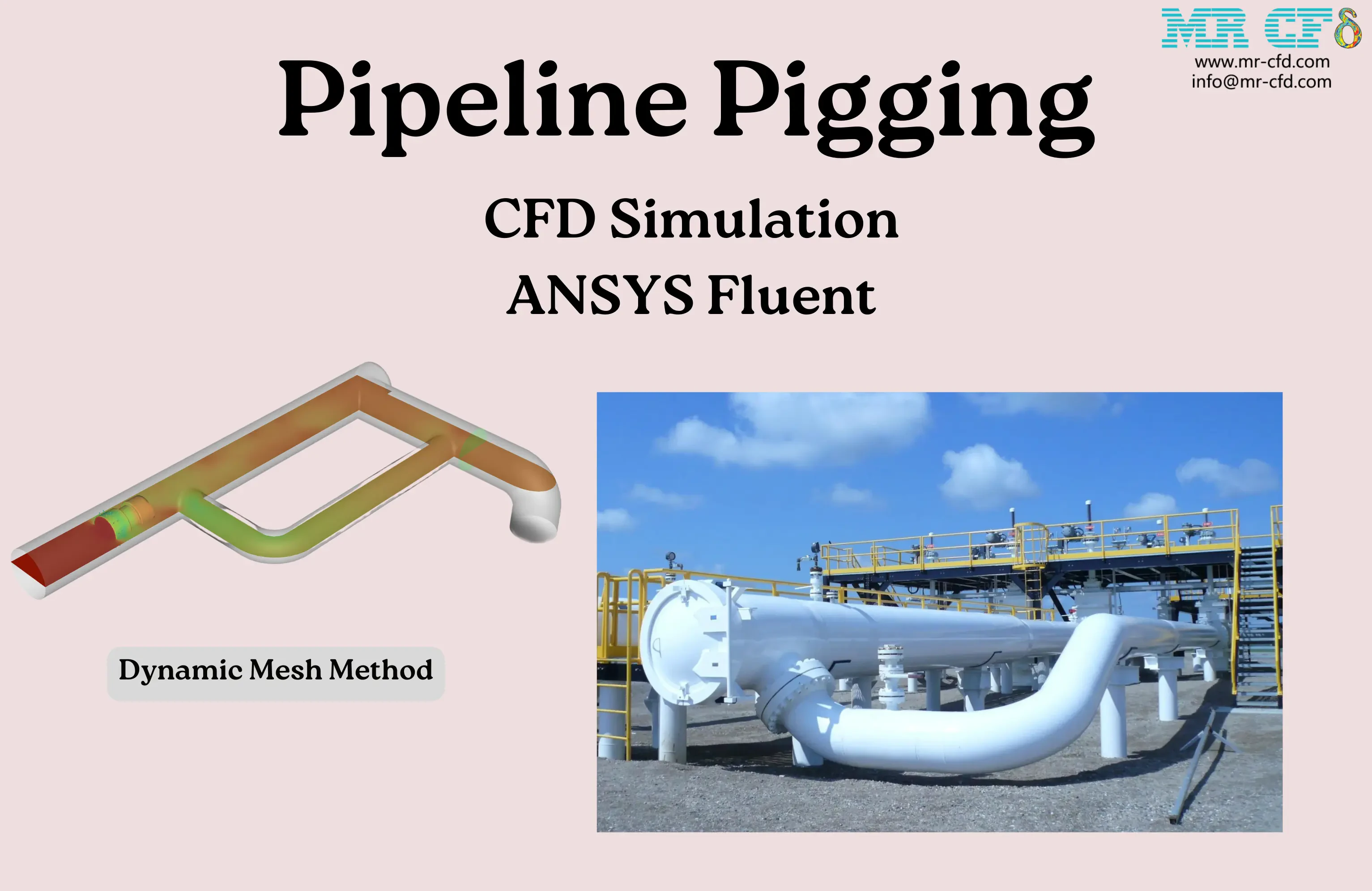
The present problem simulates the pipeline pigging using ANSYS Fluent software. We have designed the geometry using Spaceclaim software and created the mesh on this geometry using ANSYS Meshing software. The mesh type is unstructured with 659,988 cells. The Dynamic Mesh method is used to simulate the motion of pigging into the pipes Remeshing and Smoothing sub-models took over the deforming and regenerating of elements
User-Defined Function (UDF) Concepts in ANSYS Fluent
Beginner, Intermediate, Advanced
Price: Free
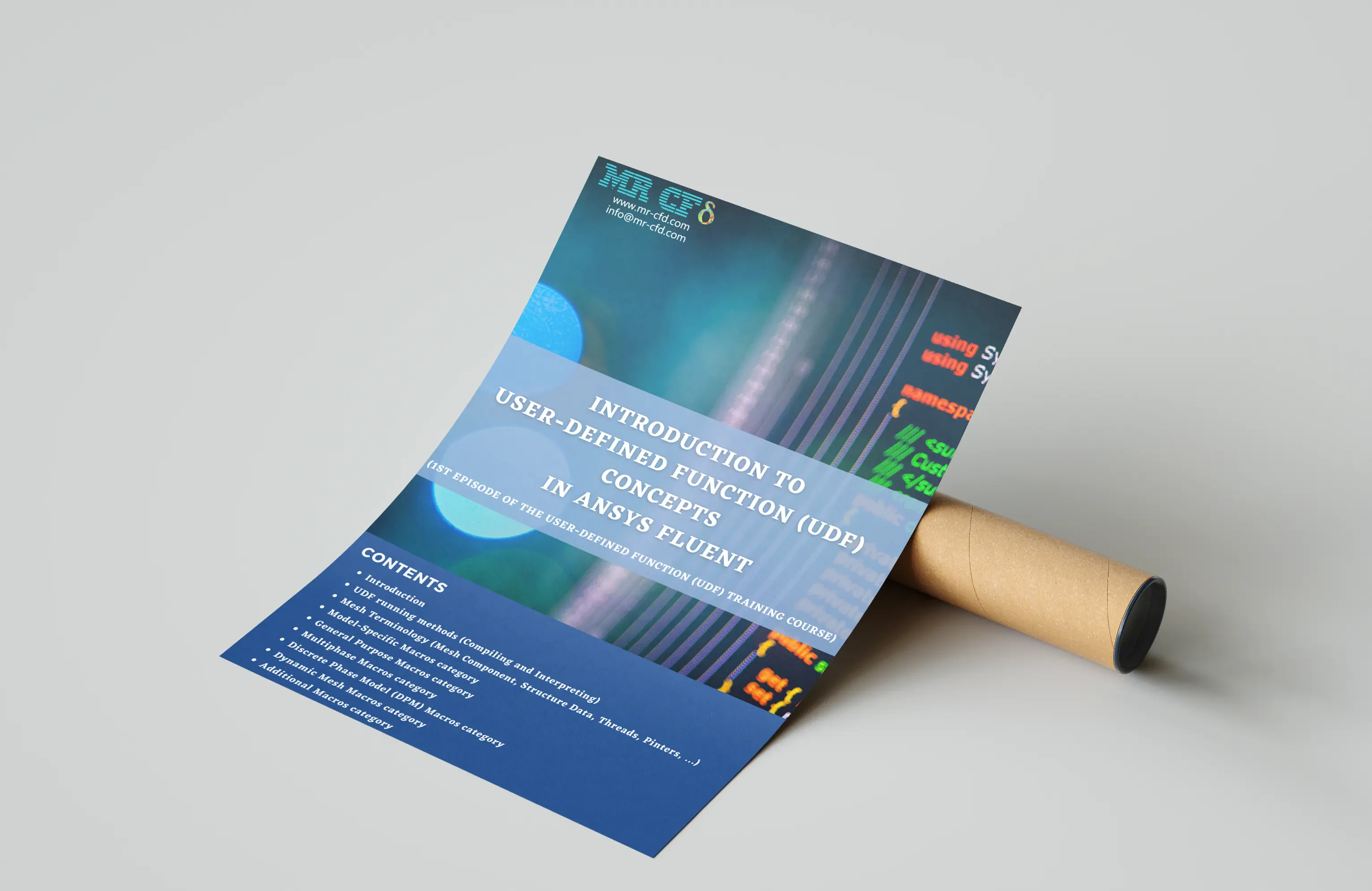
Introduction to USer-Defined Function (UDF) in ANSYS Fluent software Introduction to UDF running methods Introduction to Mesh Terminology Introduction to Model-Specific Macros category Introduction to General Purpose Macros category Introduction to Multiphase Macros category Introduction to Discrete Phase Model (DPM) Macros category Introduction to Dynamic Mesh Macros category Introduction to Additional Macros category
CG-Motion Macro, UDF, Reciprocating Motion CFD Simulation
Intermediate, Advanced
Price: $30
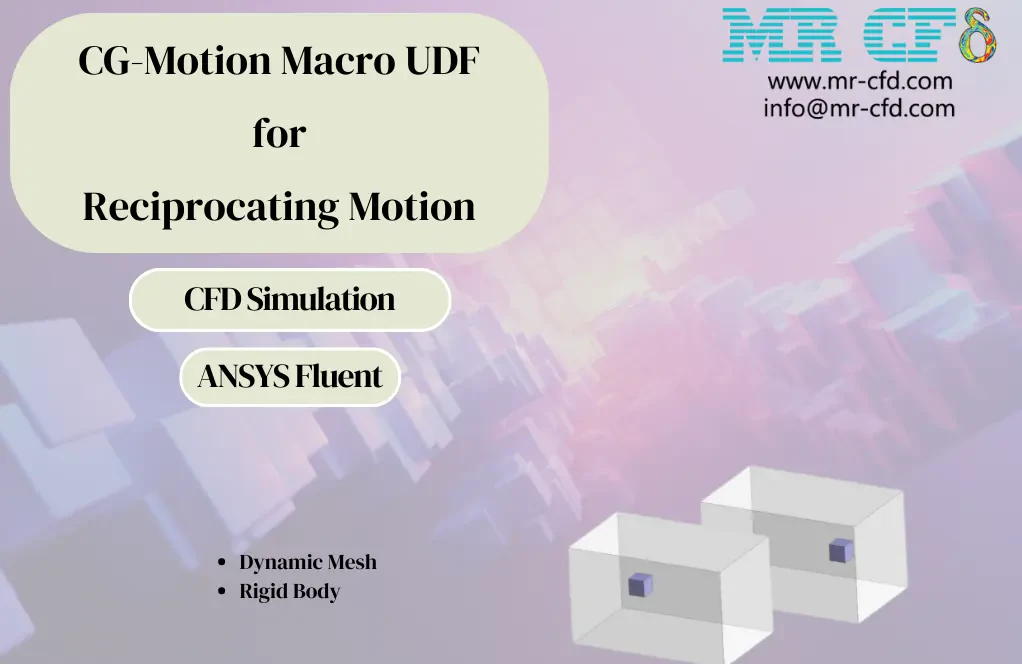
The problem numerically simulates the moving object using ANSYS Fluent software. We design the 3-D model with the Design Modeler software. We mesh the model with ANSYS Meshing software, and the element number equals 143,423. We performed the simulation in an unsteady (Transient) state. We use the Dynamic Mesh model to define the moving object. We use the User-Defined Function (UDF) to define a transitional reciprocating motion. We use the CG-MOTION Macro for UDF.
Dynamic Mesh Concepts in ANSYS Fluent
Beginner, Intermediate, Advanced
Price: Free
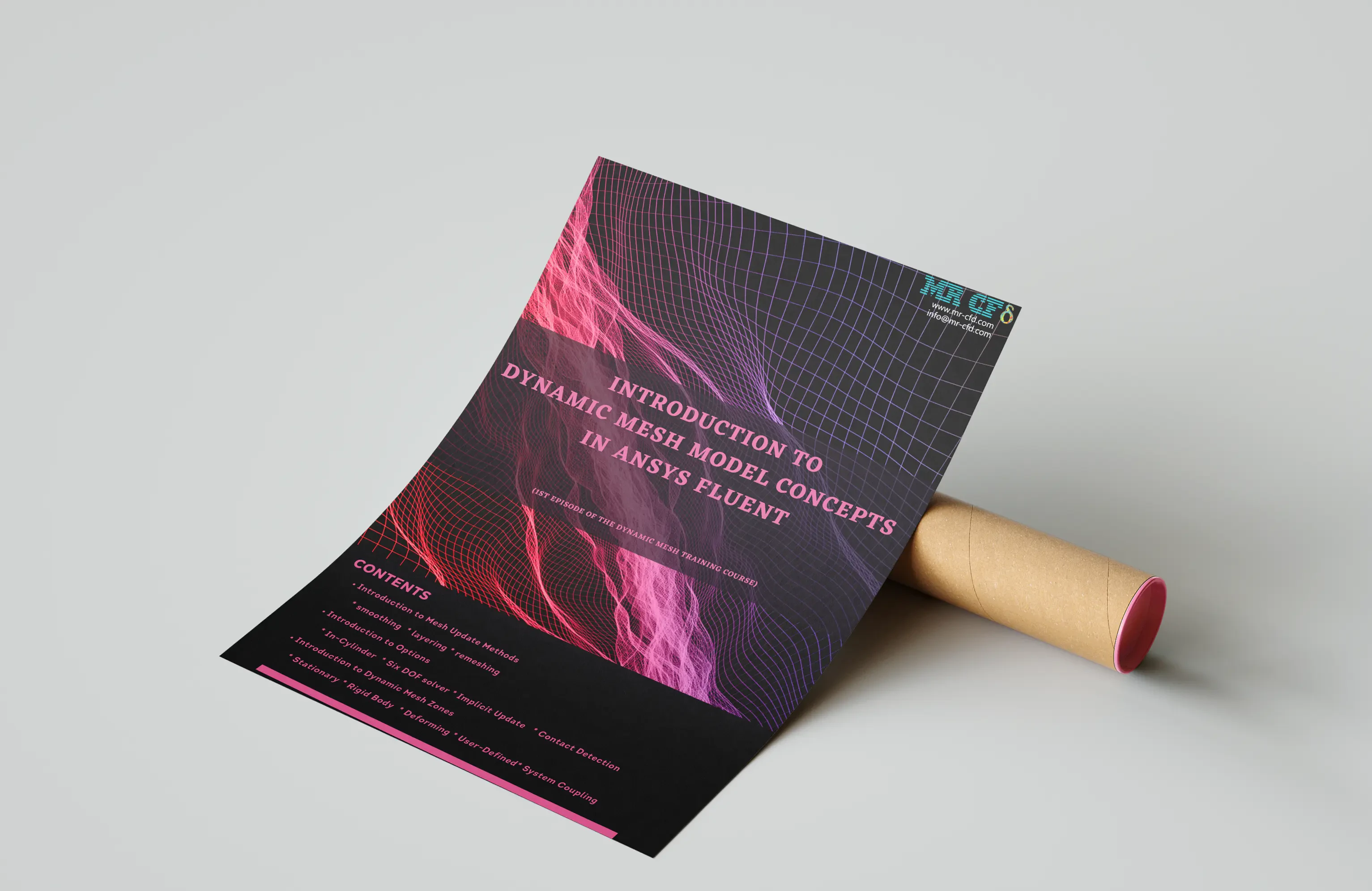
Introduction to Dynamic Mesh Model in ANSYS Fluent software Introduction to Mesh Update Methods (Smoothing, Layering, Remeshing) Introduction to Options (In-Cylinder, Six DOF, Implicit Update, Contact Detection) Introduction to Dynamic Mesh Zones (Stationary, Rigid Body, Deforming, User-Defined, System Coupling)
Wall Wavy Motion CFD Simulation, Dynamic Mesh
Intermediate
Price: $54
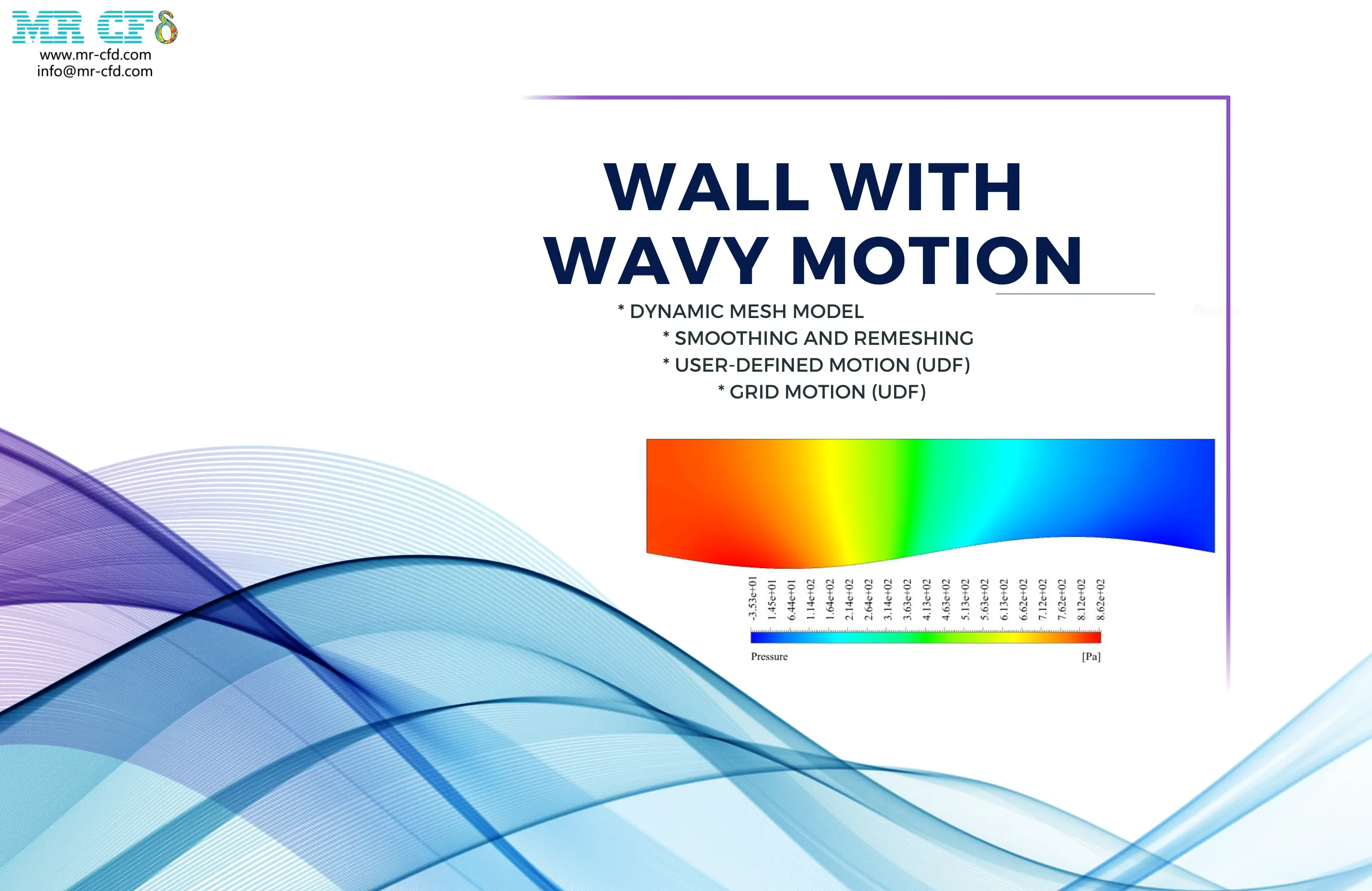
The problem numerically simulates the Wall Wavy Motion using ANSYS Fluent software. We design the 2-D model with the Design Modeler software. We mesh the model with ANSYS Meshing software, and the element number equals 146,998. We perform this simulation as unsteady (Transient). We use the Dynamic Mesh Model to define deforming and moving zones. We use the user-defined function (UDF) to define the wavy motion.

Cylinder Piston Motion CFD Simulation, Dynamic Mesh
Intermediate
Price: $24
The problem numerically simulates the Cylinder Piston Motion using ANSYS Fluent software. We design the 2-D model with the Design Modeler software. We mesh the model with ANSYS Meshing software, and the element number equals 16,623. We perform this simulation as unsteady (Transient). We use the Dynamic Mesh Model to define deforming and moving zones. We use the In-Cylinder option to define the reciprocating motion of the piston inside a cylinder. We use the in-build function called full-piston to define the movement of the piston surface. We use the Profile to define the intake and exhaust valve lift.
Check Valve CFD Simulation, Dynamic Mesh
Intermediate, Advanced
Price: $24
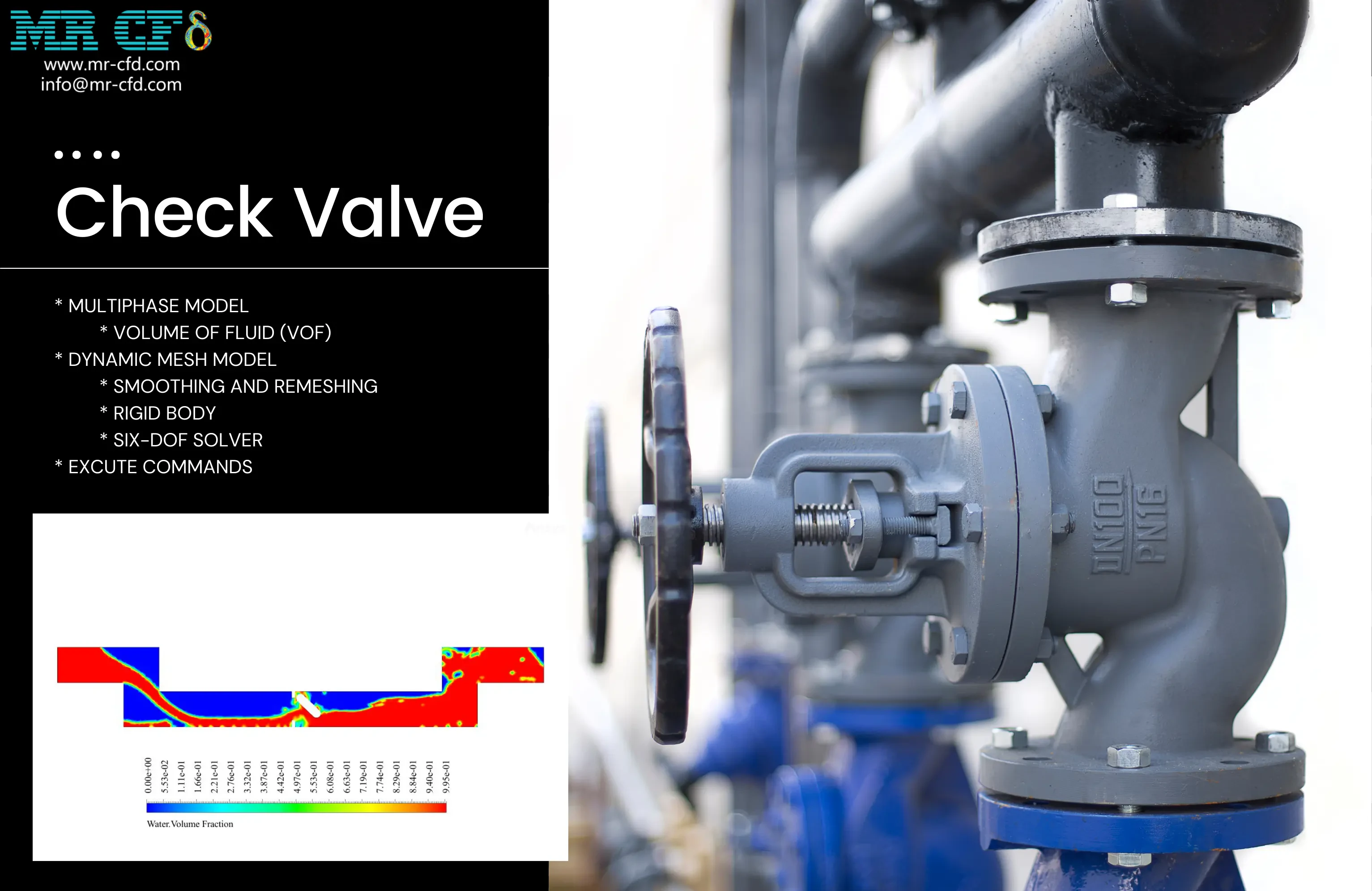
The problem numerically simulates the Check Valve using ANSYS Fluent software. We design the 2-D model with the Design Modeler software. We mesh the model with ANSYS Meshing software, and the element number equals 14,586. We perform this simulation as unsteady (Transient). We use the Dynamic Mesh Model to define deforming and moving zones. We use the 6-DOF solver to define the rotational motion of the valve. We use the VOF Multiphase Model to define the air and water. We use the Execute Command to define the interruption of the input flow.
Lobe Pump CFD Simulation, ANSYS Fluent Training
Intermediate
Price: $96
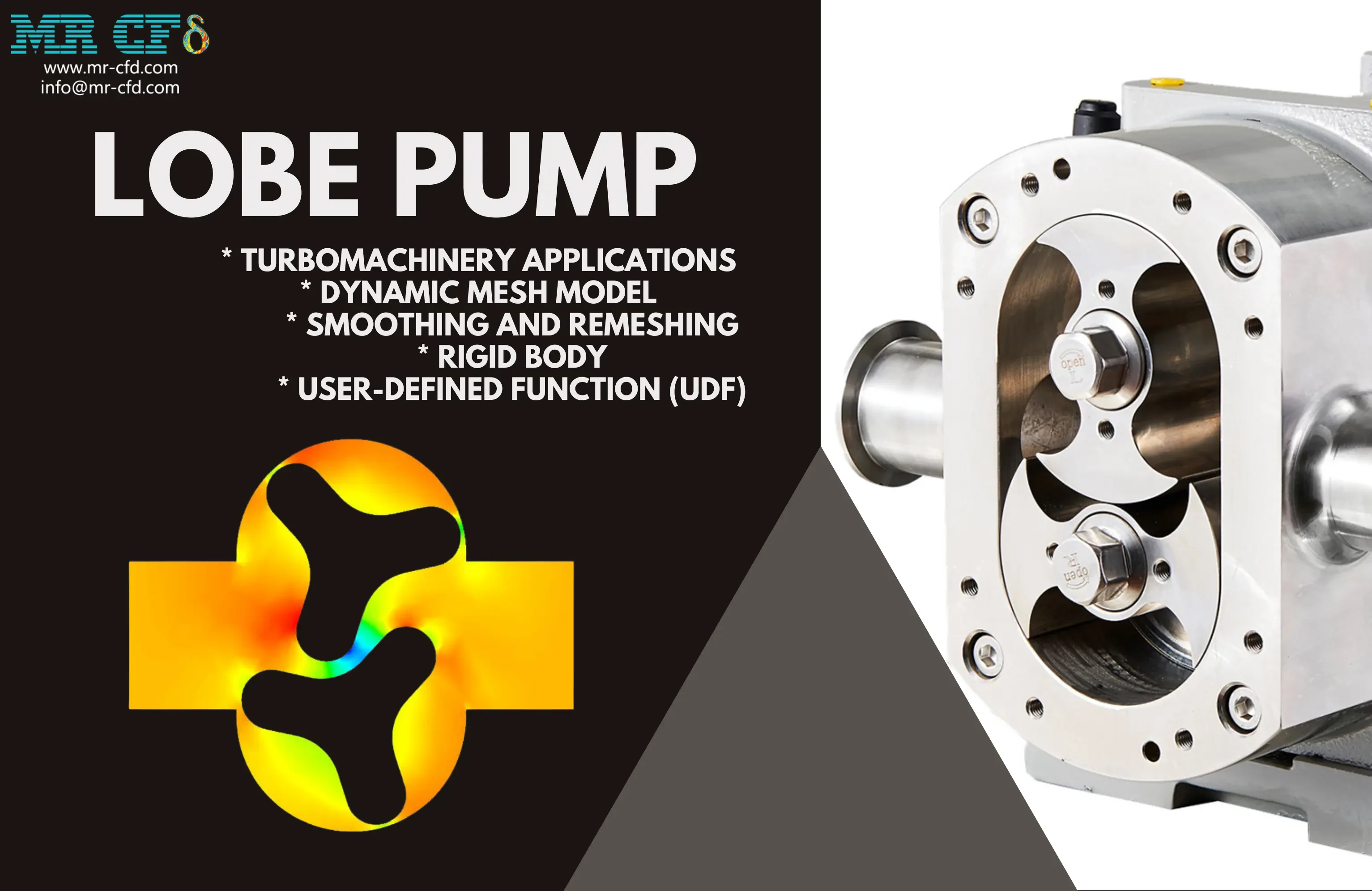
The problem numerically simulates the Lobe Pump using ANSYS Fluent software. We design the 2-D model with the Design Modeler software. We mesh the model with ANSYS Meshing software, and the element number equals 128,072. We perform this simulation as unsteady (Transient). We use the Dynamic Mesh Model to define deforming and moving zones. We use the user-defined function (UDF) to define the rotational motion of lobes.