

CFD Intermediate Courses
Here's every CFD online course in the Intermediate level.
Price: $220
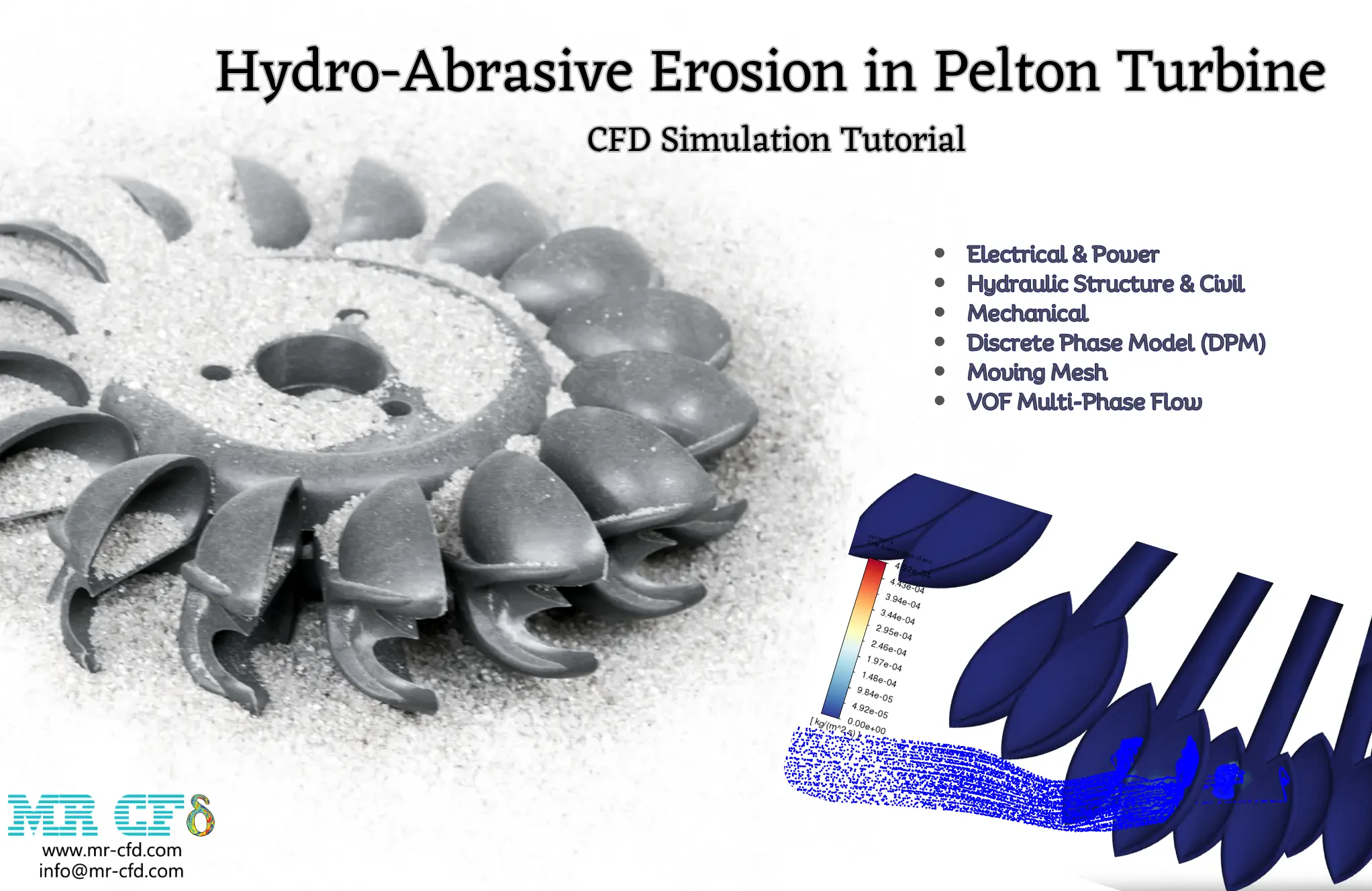
This project numerically simulates the Hydro-Abrasive Erosion in Pelton Turbine using ANSYS Fluent software. The 3-D geometry is designed in Design Modeler software. We used ANSYS Meshing Software to generate mesh; the element number equals 6,433,121. The multiphase VOF model simulates the water jet. The 2-way DPM model also enables the erosion of the solution. The rotational movement of the turbine is modeled using Mesh Motion Approach.

Optimization of Shell & Tube Heat Exchanger with Baffle-Cut, Industrial CFD Simulation
Beginner, Intermediate
Price: $180
In this project, an industrial CFD simulation of the Optimization of Shell & Tube Heat Exchanger with Baffle-Cut has been carried out, and the simulation results have been investigated.
Vortex Tube CFD Simulation, ANSYS Fluent Training
Intermediate
Price: $30
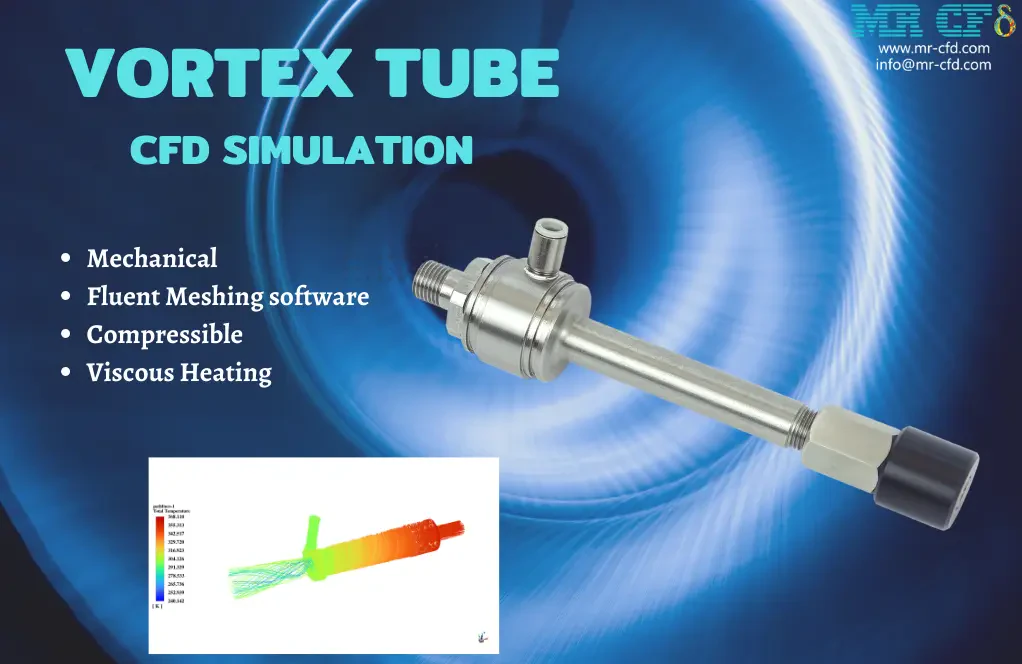
This project numerically simulates the Vortex Tube using ANSYS Fluent software. The 3-D geometry is designed in Space Claim software. We used Fluent Meshing Software to generate mesh; the element number equals 497,635. Turbulent flow is modeled with the Spalart Almaras model. The solver is Density-Based and the Sutherland model is used for viscosity.
Blade Film Cooling CFD Simulation, ANSYS Fluent Training
Beginner, Intermediate
Price: $12
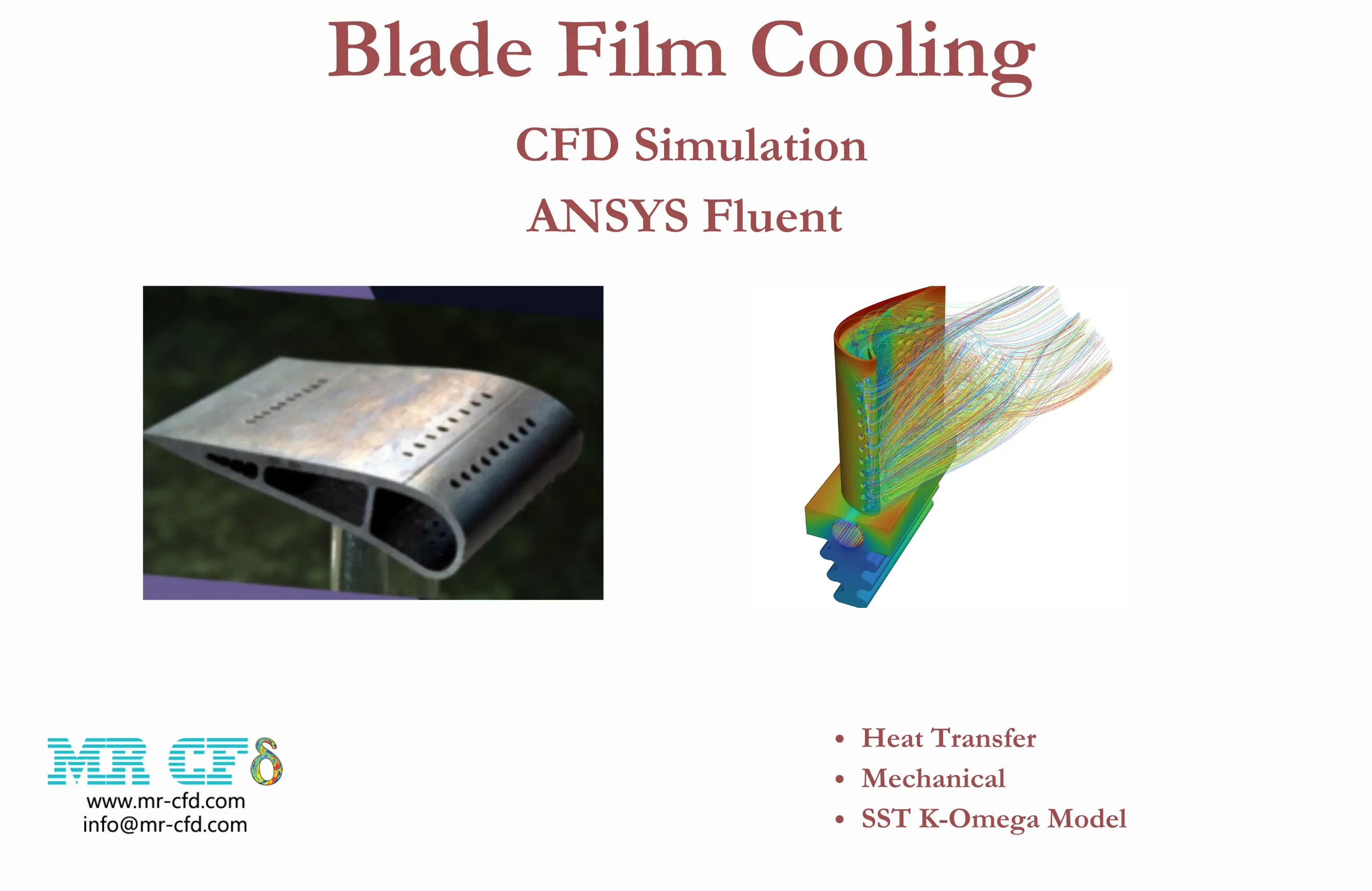
The problem numerically simulates the Blade Film Cooling using ANSYS Fluent software. The 3-D geometry is designed in Design Modeler software. We used polyhedra mesh type in ANSYS Fluent , with 2,697,514 elements. We use the K-Omega SST model to simulate turbulence.
Price: $20
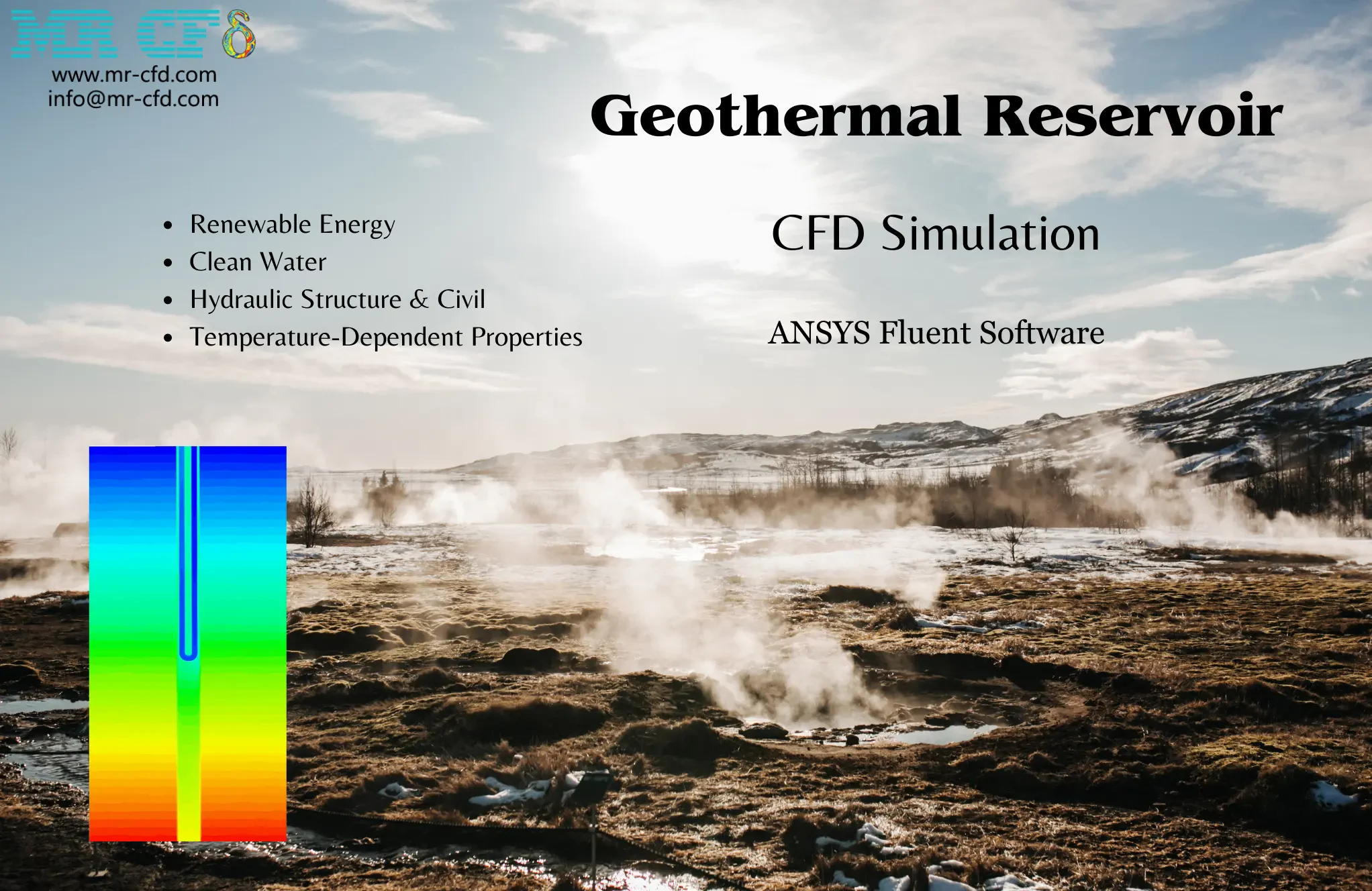
The problem numerically simulates the geothermal reservoir using ANSYS Fluent software. The 3-D model is designed in Design Modeler software. We mesh the model with ANSYS Meshing, and the element number equals 1,749,097. We use the Realizable k-epsilon model to simulate turbulence. Conductivity and heat capacity are considered temperature-dependent.
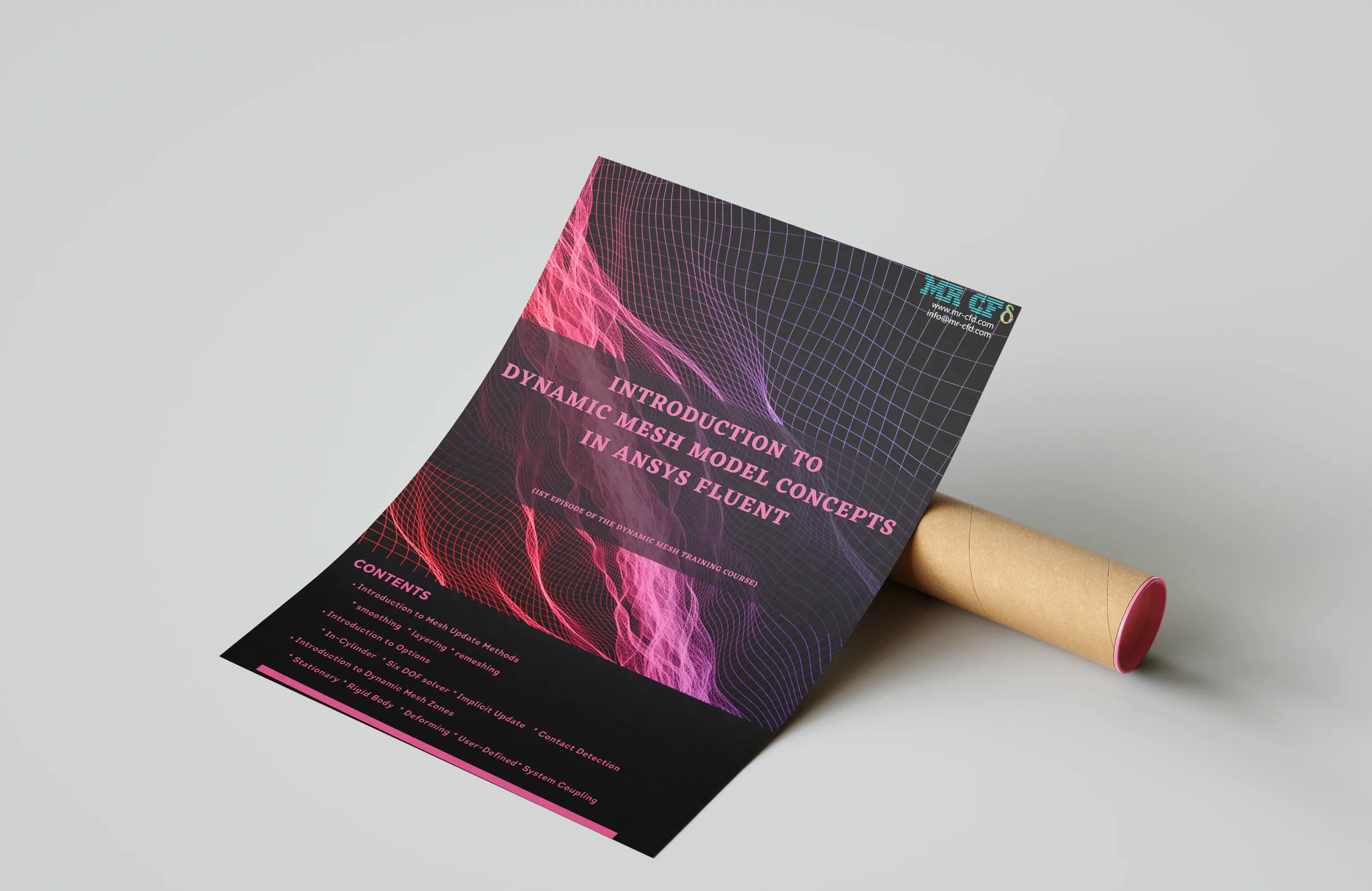
Dynamic Mesh Concepts in ANSYS Fluent
Beginner, Intermediate, Advanced
Price: Free
Introduction to Dynamic Mesh Model in ANSYS Fluent software Introduction to Mesh Update Methods (Smoothing, Layering, Remeshing) Introduction to Options (In-Cylinder, Six DOF, Implicit Update, Contact Detection) Introduction to Dynamic Mesh Zones (Stationary, Rigid Body, Deforming, User-Defined, System Coupling)
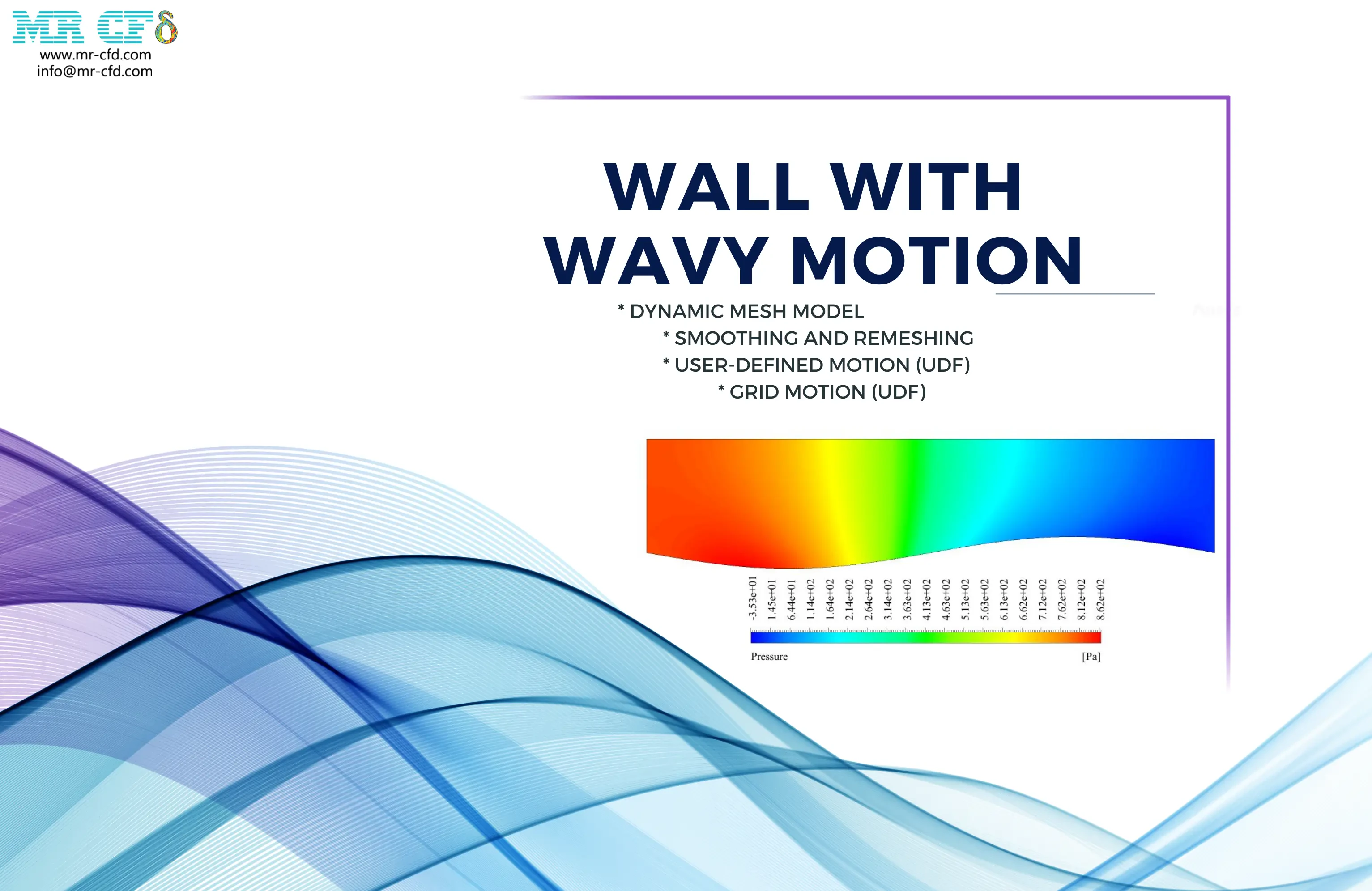
Wall Wavy Motion CFD Simulation, Dynamic Mesh
Intermediate
Price: $54
The problem numerically simulates the Wall Wavy Motion using ANSYS Fluent software. We design the 2-D model with the Design Modeler software. We mesh the model with ANSYS Meshing software, and the element number equals 146,998. We perform this simulation as unsteady (Transient). We use the Dynamic Mesh Model to define deforming and moving zones. We use the user-defined function (UDF) to define the wavy motion.

Cylinder Piston Motion CFD Simulation, Dynamic Mesh
Intermediate
Price: $24
The problem numerically simulates the Cylinder Piston Motion using ANSYS Fluent software. We design the 2-D model with the Design Modeler software. We mesh the model with ANSYS Meshing software, and the element number equals 16,623. We perform this simulation as unsteady (Transient). We use the Dynamic Mesh Model to define deforming and moving zones. We use the In-Cylinder option to define the reciprocating motion of the piston inside a cylinder. We use the in-build function called full-piston to define the movement of the piston surface. We use the Profile to define the intake and exhaust valve lift.
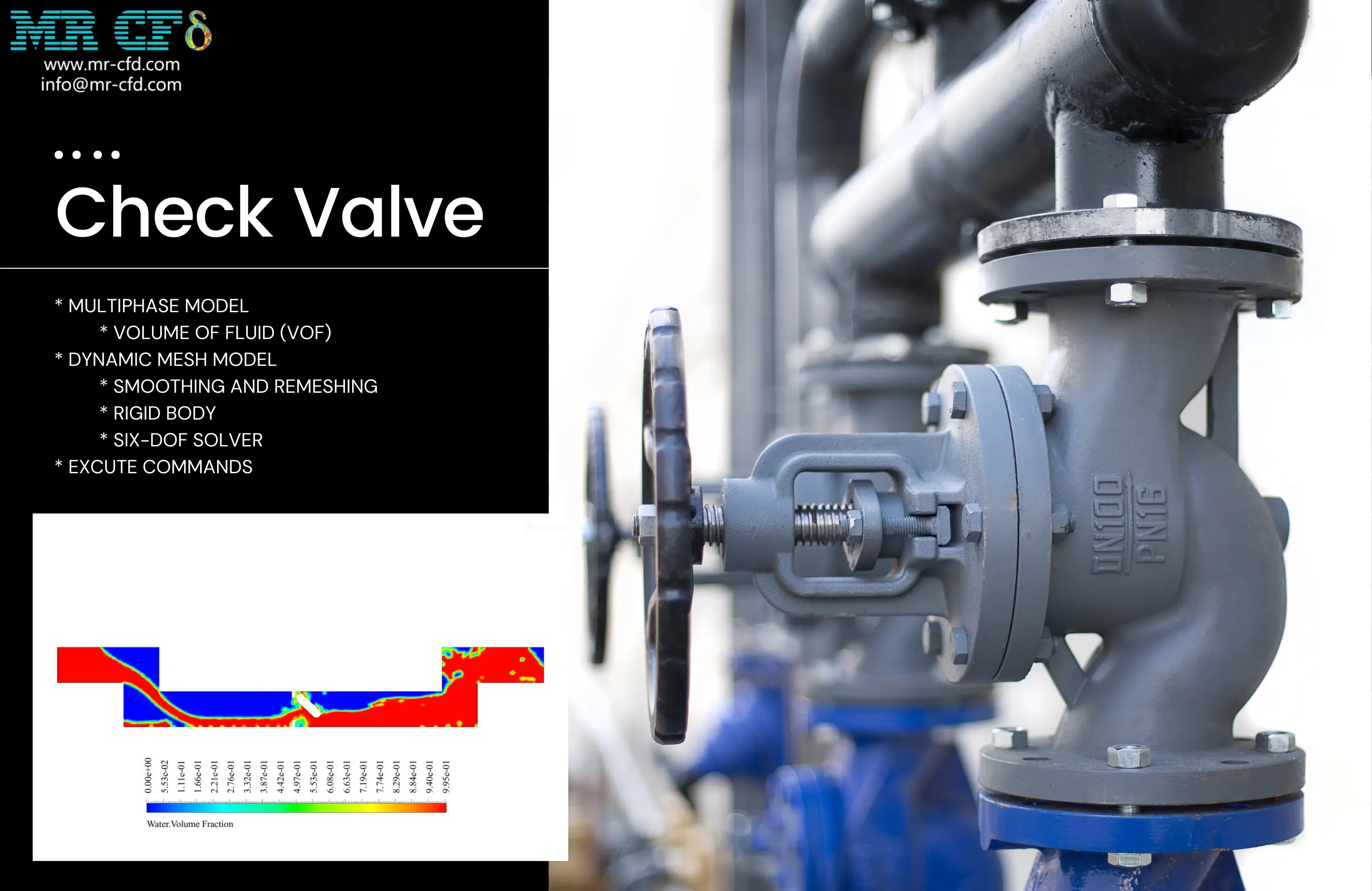
Check Valve CFD Simulation, Dynamic Mesh
Intermediate, Advanced
Price: $24
The problem numerically simulates the Check Valve using ANSYS Fluent software. We design the 2-D model with the Design Modeler software. We mesh the model with ANSYS Meshing software, and the element number equals 14,586. We perform this simulation as unsteady (Transient). We use the Dynamic Mesh Model to define deforming and moving zones. We use the 6-DOF solver to define the rotational motion of the valve. We use the VOF Multiphase Model to define the air and water. We use the Execute Command to define the interruption of the input flow.