

Motion Modeling & Moving Zones GOLDEN Training Package
Price:
$19,772
$5,219
The Motion Modeling & Moving Zones GOLDEN Training Package delivers +185 ANSYS Fluent tutorials, transforming teams into experts with instant project readiness. Tailored for professors, CEOs, and firms, it covers MRF, mesh motion, and dynamic mesh for pumps, fans, mixers, and Pelton, tidal, and wind turbines, jet engines, pistons, 6DOF motion, oscillating flows, one-way and two-way FSI, thermal FSI, and DEM-coupled moving geometries, plus UDF-driven motion for solids, sloshing, and aerodynamic forces. Includes step-by-step exercises, 1-year support, 3-month HPC, lifetime updates, and 15 years of MR CFD expertise for stress-free onboarding and competitive edge.
Motion Modeling & Moving Zones GOLDEN Training Package
Price:
$19,772
$5,219
The Motion Modeling & Moving Zones GOLDEN Training Package delivers +185 ANSYS Fluent tutorials, transforming teams into experts with instant project readiness. Tailored for professors, CEOs, and firms, it covers MRF, mesh motion, and dynamic mesh for pumps, fans, mixers, and Pelton, tidal, and wind turbines, jet engines, pistons, 6DOF motion, oscillating flows, one-way and two-way FSI, thermal FSI, and DEM-coupled moving geometries, plus UDF-driven motion for solids, sloshing, and aerodynamic forces. Includes step-by-step exercises, 1-year support, 3-month HPC, lifetime updates, and 15 years of MR CFD expertise for stress-free onboarding and competitive edge.
Price: $60
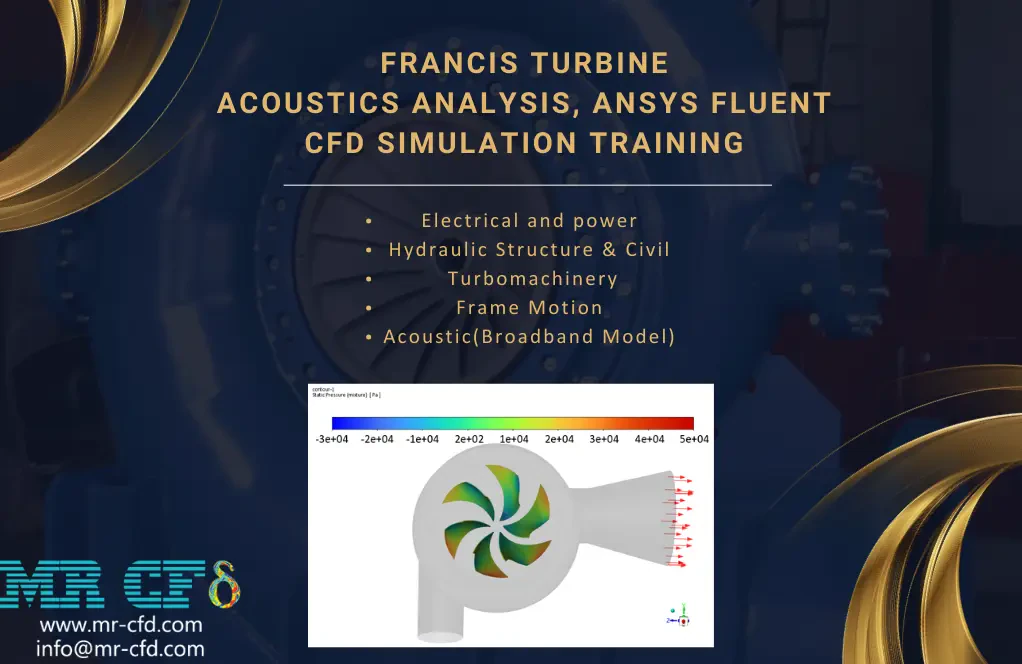
The present problem simulates the aeroacoustics and sound generation by a water flow inside a Francis Turbine using ANSYS Fluent software. We have designed the geometry using ANSYS Design Modeler software and created the mesh on this geometry using ANSYS Meshing software. The mesh type is unstructured with 4,914,404cells. We use the Frame Motion (MRF) to define rotation movement. The Broadband Noise Sources model is also used to define the acoustic model
Price: $20
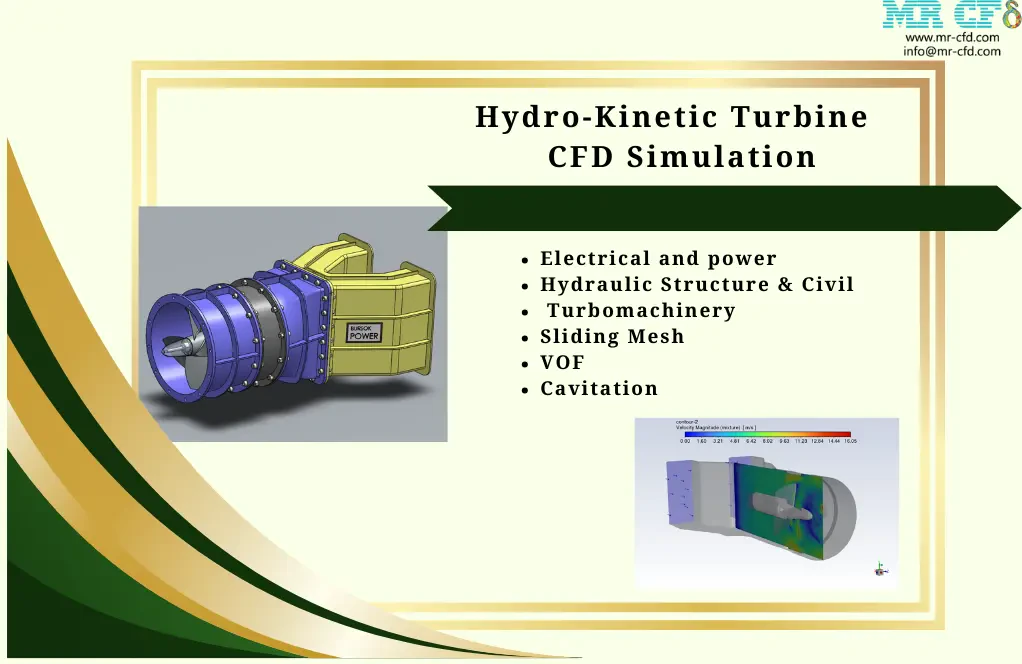
The problem numerically simulates Hydro-Kinetic turbine using ANSYS Fluent software. We design the 3-D model with the Solidworks software. We mesh the model with ANSYS Meshing software, and the element number equals 7,758,370. The Mesh Motion (Sliding Mesh) technique is used to simulate the rotation of the turbine blades The VOF method is used In this simulation.
Bulb Turbine, Sand Erosion Study CFD Simulation
Intermediate, Advanced
Price: $160
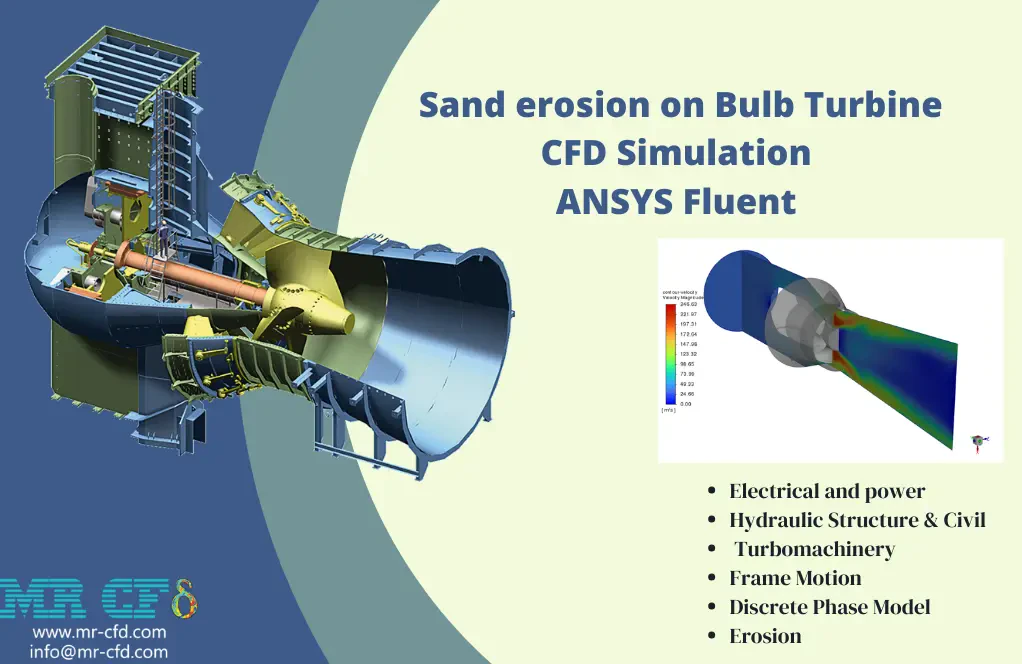
The current CFD Analysis models the Bulb Turbine via ANSYS Fluent software. We have designed the geometry using ANSYS Design Modeler software and generated the mesh on this geometry using ANSYS Meshing software. The Frame Motion technique is utilized to model the rotation of the turbine. The Discrete Phase Model (DPM) account for the presence of sand particles. The Erosion on the turbine, due to particle collision is investigated.
Turgo Turbine, ANSYS Fluent CFD Simulation Training
Intermediate
Price: $24
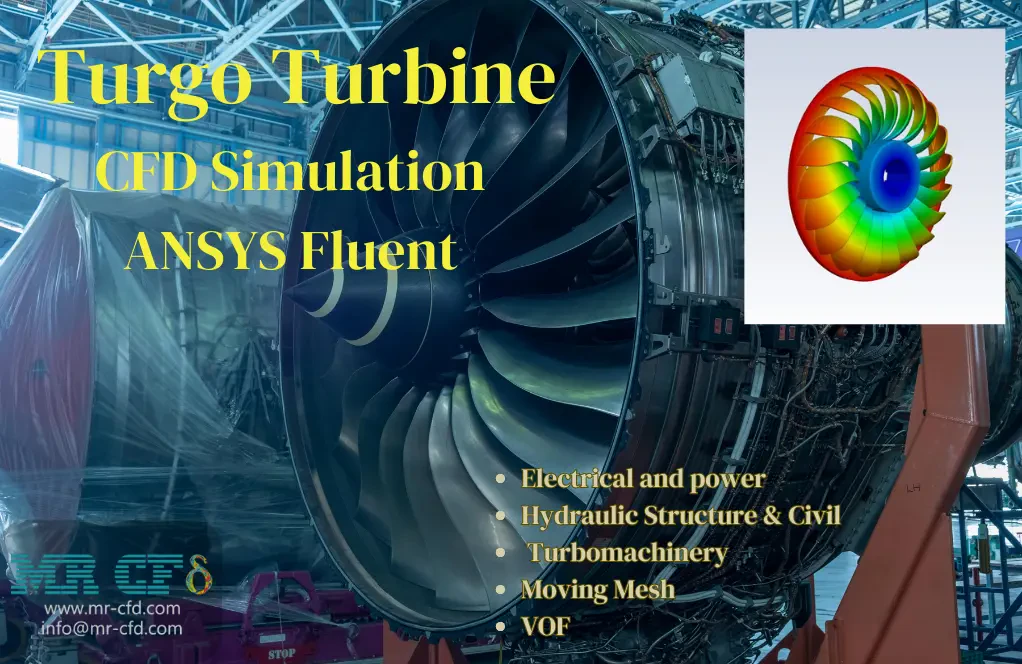
The present problem simulates the water flow inside a Turgo water turbine by ANSYS Fluent software. The geometry is designed using Design Modeler software. The meshing of the model has been done using ANSYS Meshing software and the element number is 4,344,106. Mesh Motion (Sliding Mesh) is used to define the rotation of the blades inside the chamber.
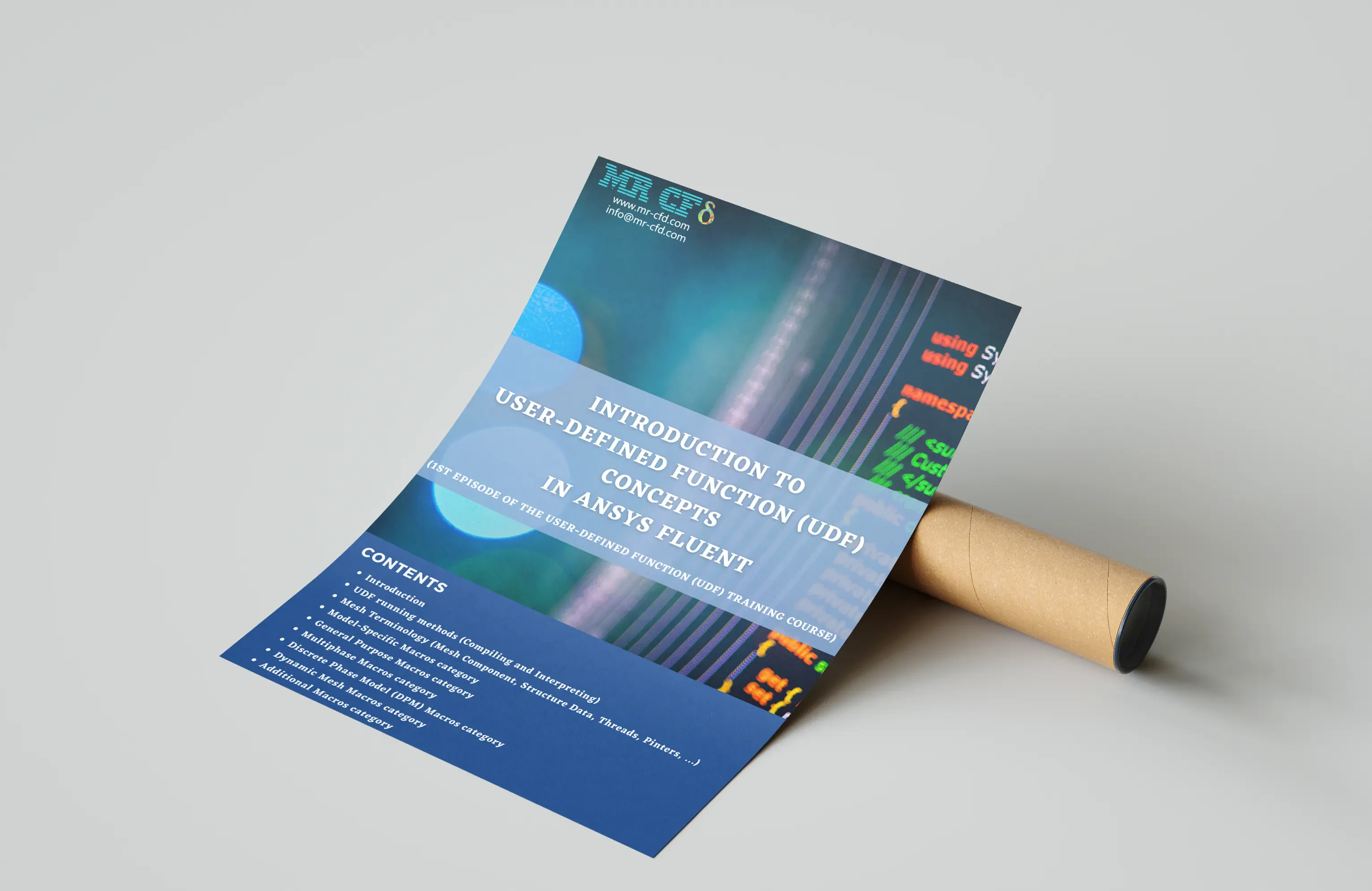
User-Defined Function (UDF) Concepts in ANSYS Fluent
Beginner, Intermediate, Advanced
Price: Free
Introduction to USer-Defined Function (UDF) in ANSYS Fluent software Introduction to UDF running methods Introduction to Mesh Terminology Introduction to Model-Specific Macros category Introduction to General Purpose Macros category Introduction to Multiphase Macros category Introduction to Discrete Phase Model (DPM) Macros category Introduction to Dynamic Mesh Macros category Introduction to Additional Macros category
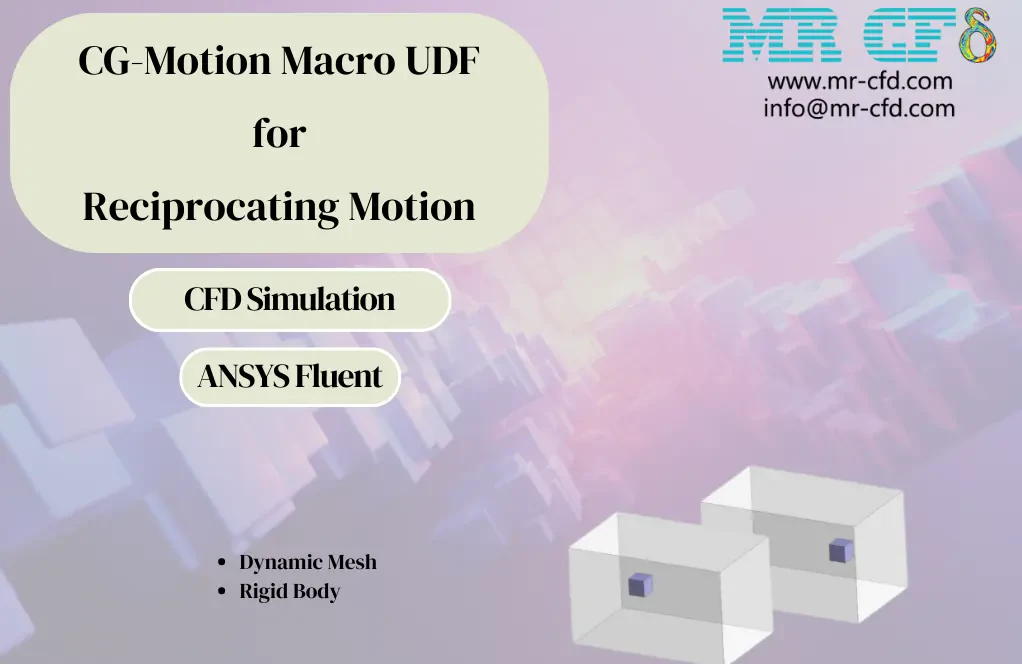
CG-Motion Macro, UDF, Reciprocating Motion CFD Simulation
Intermediate, Advanced
Price: $30
The problem numerically simulates the moving object using ANSYS Fluent software. We design the 3-D model with the Design Modeler software. We mesh the model with ANSYS Meshing software, and the element number equals 143,423. We performed the simulation in an unsteady (Transient) state. We use the Dynamic Mesh model to define the moving object. We use the User-Defined Function (UDF) to define a transitional reciprocating motion. We use the CG-MOTION Macro for UDF.
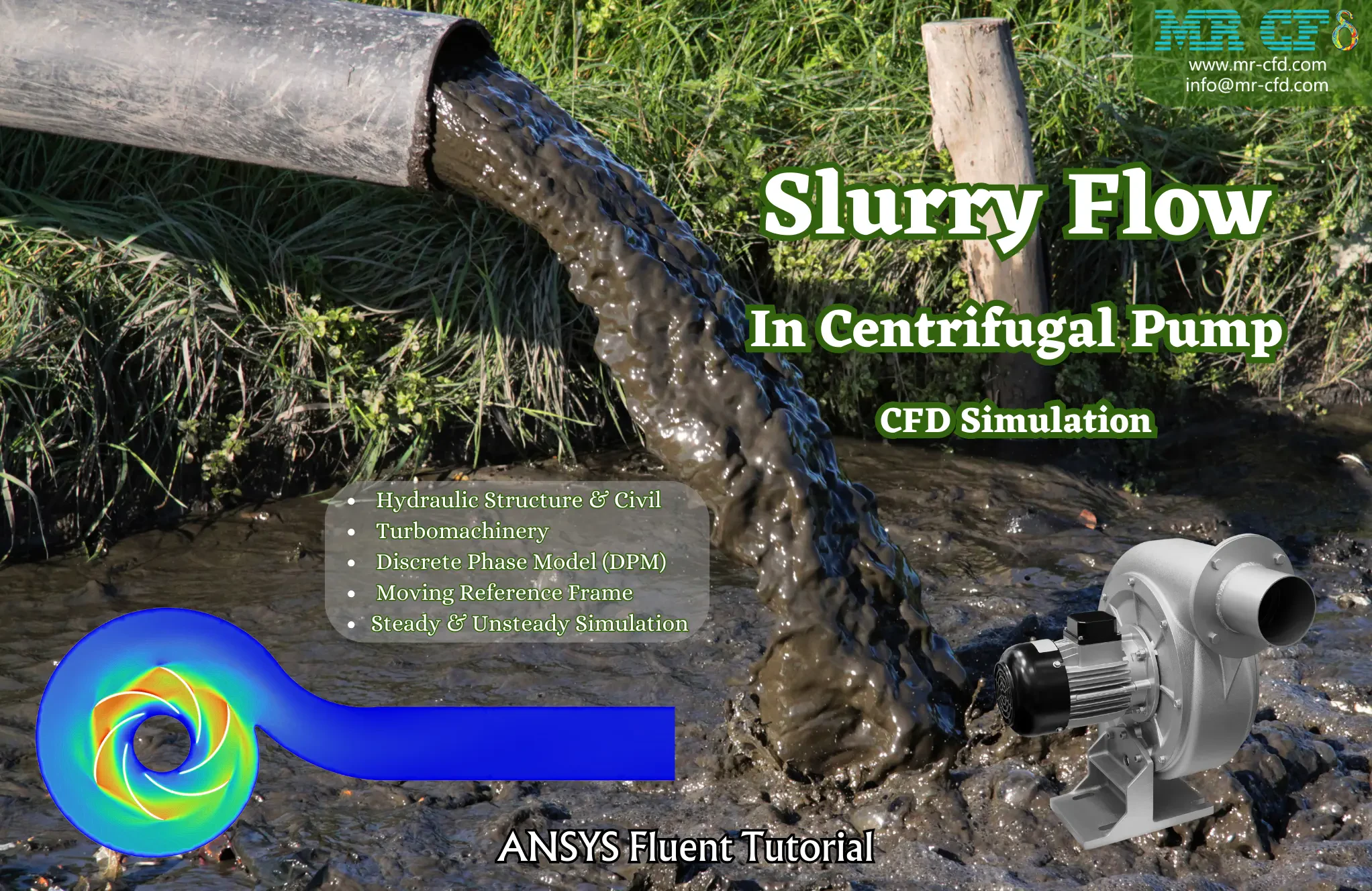
Slurry Flow Erosion In Centrifugal Pump CFD Simulation
Intermediate, Advanced
Price: $160
The problem numerically simulates Slurry Flow in Centrifugal Pump using ANSYS Fluent software. We design the 3-D model with the Design Modeler software. We Mesh the model with ANSYS Meshing software, and the polyhedra element number equals 1,498,132. We use the Frame Motion to define the rotational movement in the rotating zone. The DPM multiphase is activated to model the effect of solid particles on erosion. The activated erosion models are Generic, Finnie, McLaury, Oka, and DNV.
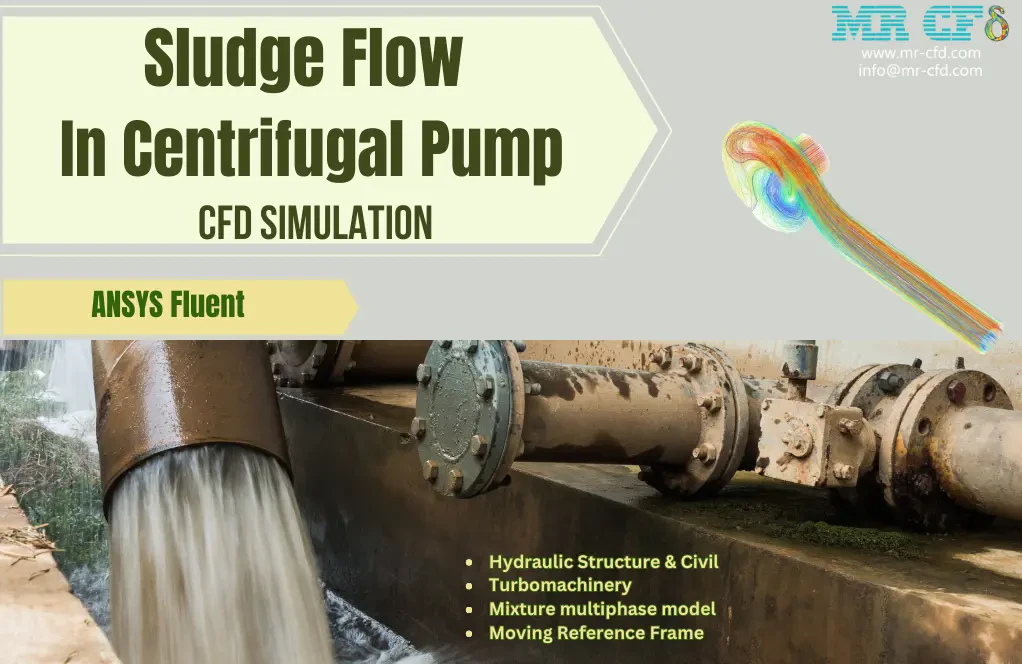
Sludge Flow In Centrifugal Pump CFD Simulation
Intermediate, Advanced
Price: $16
The problem numerically simulates Slurry Flow in Centrifugal Pump using ANSYS Fluent software. We design the 3-D model with the Design Modeler software. We Mesh the model with ANSYS Meshing software, and the polyhedra element number equals 1,498,132. We use the Frame Motion to define the rotational movement in the rotating zone. The Mixture multiphase model is activated to model the effect of solid particles.
Price: $220
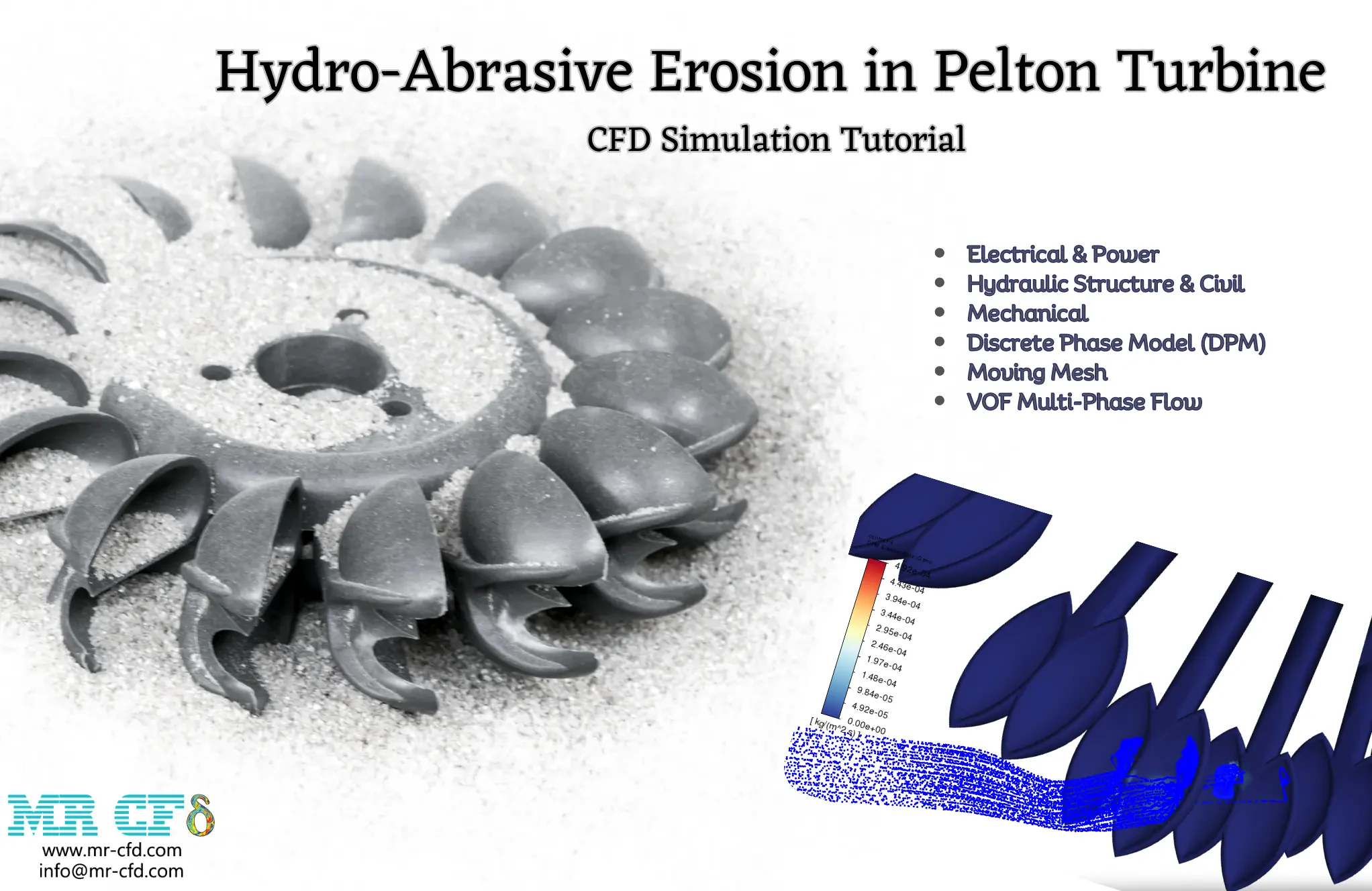
This project numerically simulates the Hydro-Abrasive Erosion in Pelton Turbine using ANSYS Fluent software. The 3-D geometry is designed in Design Modeler software. We used ANSYS Meshing Software to generate mesh; the element number equals 6,433,121. The multiphase VOF model simulates the water jet. The 2-way DPM model also enables the erosion of the solution. The rotational movement of the turbine is modeled using Mesh Motion Approach.
The Motion Modeling & Moving Zones GOLDEN Training Package is MR CFD’s most complete ANSYS Fluent collection for simulating moving, rotating, and deforming geometry, with +185 hands-on tutorials that take you from first setup to advanced, publication-level modeling. Built for professors, CEOs, research teams, and engineering firms, it gives your group a ready-to-use project library, so new members become productive quickly and ongoing work starts from proven templates.
Moving Reference Frame (MRF): Set up steady rotating-zone simulations of centrifugal pumps in 2D and 3D, fans with combined acoustic and aerodynamic analysis, mixers, compressors, turbines, and VTOL jet engine thrust generation. Cover Pelton turbines with acoustic analysis, FSI, and cavitation.
Moving and sliding mesh: Run transient rotor-stator simulations with mesh motion, including centrifugal pumps compared against MRF, Savonius VAWT turbines, airfoil flow over a sinusoidal surface, and tidal turbines. Add multiphase and particle coupling with rotary seed dryers using DPM and moving mesh.
Dynamic mesh: Model smoothing, remeshing, and layering for oscillating multiphase flow, balloon pumping in an aorta, twin screw extruders with DEM and dynamic mesh, 6DOF motion, and pump and cavitation cases with deforming domains.
UDF-driven motion: Control motion with user-defined functions for cylinder-piston systems, solid movement, rotational and oscillating motion, sloshing and aerodynamic forces, and velocity and mass flow rate profiles.
Fluid-structure interaction: Work through intrinsic FSI and System Coupling concepts, two-way flap FSI, wind turbine blades, airfoils, turbine vibration, and thermal FSI for T-junction and bent pipes.
What’s included:
Step-by-step exercises with complete setup, meshing, solving, and post-processing
Projects spanning beginner, intermediate, and advanced levels
1-year technical support
3-month HPC access
Lifetime updates
Backed by 15 years of MR CFD simulation expertise
Whether you’re preparing a research paper, optimizing a rotating machine, or building in-house CFD capability, this package gives you the knowledge, tools, and confidence to deliver faster and stay ahead of the competition.