


ANSYS SpaceClaim Training Course — Ep 01
Session 19
- Lesson
- 01
- Run Time
- 19m 58s
- Published
- May 4, 2026
- Category
- ANSYS Fluent
- Course Progress
- 0%
Introduction
In this session of the SpaceClaim course, we continue exploring the Repair tab by covering its second part. The focus is on repairing imported CAD geometries so you can better understand how to handle typical issues that arise during geometry cleanup. You will learn several advanced strategies to confidently work through these problems. The examples are designed to cover a wide variety of challenges, each with its own complexities, helping you use the commands in the SpaceClaim Repair tab more skillfully.
Objectives
This session highlights the most practical tools in the SpaceClaim Repair tab, such as Stitch, Missing Faces, Small Faces, and Inexact Edges.
2.1. Stitch Tool
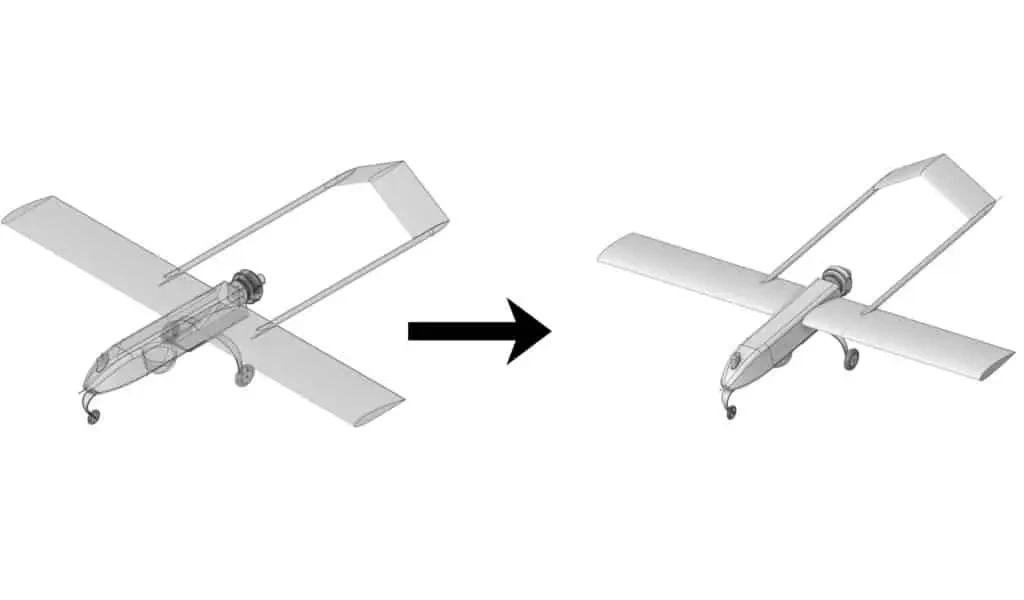
The Stitch tool connects surfaces that meet along their edges. If the stitched surfaces fully enclose a volume, SpaceClaim automatically creates a solid body. This function is especially useful for combining multiple surface regions into a single, unified part during geometry repair.
2.2. Missing Faces
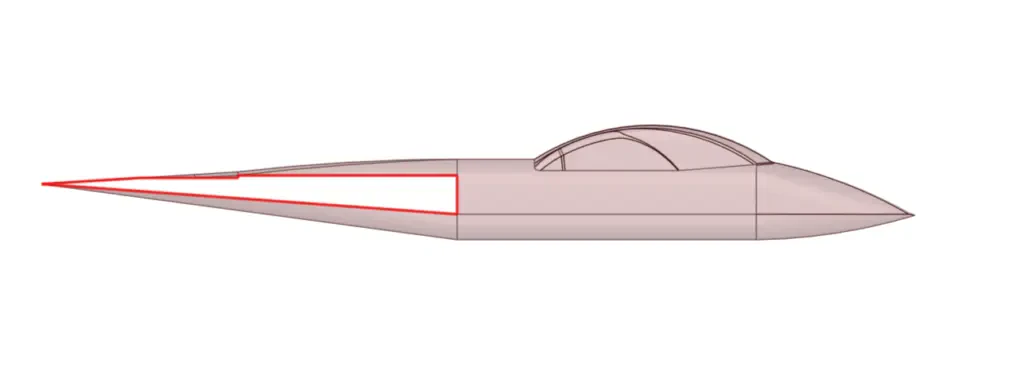
The Missing Faces tool automatically detects gaps in the geometry and fills them with faces, allowing you to restore incomplete or broken models.
2.3. Small Faces
The Small Faces tool finds and removes very small or sliver surfaces in a 3D model. Although these tiny surfaces often have little impact on simulation results, they can increase computational time. When a small face is tangent to a neighboring surface, SpaceClaim merges them to produce a smoother, cleaner geometry.
2.4. Inexact Edges
The Inexact Edges tool identifies edges that are slightly misaligned, typically due to importing geometry from other CAD systems. These edges may be offset or imperfectly matched, and the tool corrects such inaccuracies to produce a cleaner, watertight model suitable for simulation and meshing.
Summary
This session provided an in‑depth look at key tools in the SpaceClaim Repair tab, including Stitch, Missing Faces, Small Faces, and Inexact Edges. It focused on techniques for resolving common issues in imported CAD data, such as closing gaps, filling missing surfaces, and aligning misaligned edges. Through a series of varied examples, participants learned how to apply these tools effectively on their own to prepare complex geometries for simulation and downstream processing.