SpaceClaim Training Course

SpaceClaim Training Course

25
5h 1m 45s
  1. Section 1

    Introduction and History

    1. Lesson 1 10m Free
  2. Section 2

    Workspace, Toolbars and Tree Panel

    1. Lesson 1 12m 52s Free
  3. Section 3

    Layout, Units and Display Tools

    1. Lesson 1 10m 29s Free
  4. Section 4

    Advanced Sketch Tools

    1. Lesson 1 16m 2s Free
  5. Section 5

    3D Modeling

    1. Lesson 1 29m 22s Free
  6. Section 6

    The Powerful Move Tool

    1. Lesson 1 17m 31s Free
  7. Section 7

    Pattern Tool

    1. Lesson 1 14m 28s Free
  8. Section 8

    The useful Combine Tool

    1. Lesson 1 14m 55s Free
  9. Section 9

    Practical Overview of Move, Combine and Split Tools

    1. Lesson 1 13m 25s Free
  10. Section 10

    Fill Tool

    1. Lesson 1 7m 55s Free
  11. Section 11

    Blend Command

    1. Lesson 1 10m 5s Free
  12. Section 12

    Replace, Fill pattern and Mirror Tools

    1. Lesson 1 7m 46s Free
  13. Section 13

    Shell Tool

    1. Lesson 1 6m 59s Free
  14. Section 14

    Offset Tool

    1. Lesson 1 4m 2s Free
  15. Section 15

    Enclosure Tool

    1. Lesson 1 8m 1s Free
  16. Section 16

    Creating Assembly

    1. Lesson 1 16m 19s Free
  17. Section 17

    Measure Tools

    1. Lesson 1 12m 3s Free
  18. Section 18

    Repair Tab

    1. Lesson 1 8m 39s Free
  19. Section 19

    Repair: Part 2

    1. Lesson 1 19m 58s Free
  20. Section 20

    Practical Prepare Tab

    1. Lesson 1 8m 27s Free
  21. Section 21

    Facets Tab

    1. Lesson 1 10m 18s Free
  22. Section 22

    Spaceclaim Meshing

    1. Lesson 1 15m 1s Free
  23. Section 23

    Parametric Modeling

    1. Lesson 1 7m 3s Free
  24. Section 24

    Script Modeling

    1. Lesson 1 9m 4s Free
  25. Section 25

    SpaceClaim share topology

    1. Lesson 1 10m 57s Free
MR CFD
Oops! You are not logged in.

For watching this lesson you should sign in first, if you don't have an account, you can create one in seconds.

Toggle Lesson List

SpaceClaim Training Course — Ep 01

Session 22

Lesson
01
Run Time
15m 1s
Published
May 5, 2026
Course Progress
0%
Mark as Complete
Add to Watchlist
About This Lesson
  1. Introduction
    SpaceClaim Meshing is one of the most important work environments in the software because it allows you to generate high‑quality meshes without leaving SpaceClaim or switching to external tools such as ANSYS Meshing or Fluent Meshing. In this session, you will learn how to create accurate and clean meshes using SpaceClaim’s mesh controls. We start with simple geometries and basic operations, then move on to building an O‑grid mesh for a cylindrical pipe‑flow case. By the end, you will be able to generate structured, CFD‑ready meshes directly inside SpaceClaim.

  2. Mesh Quality
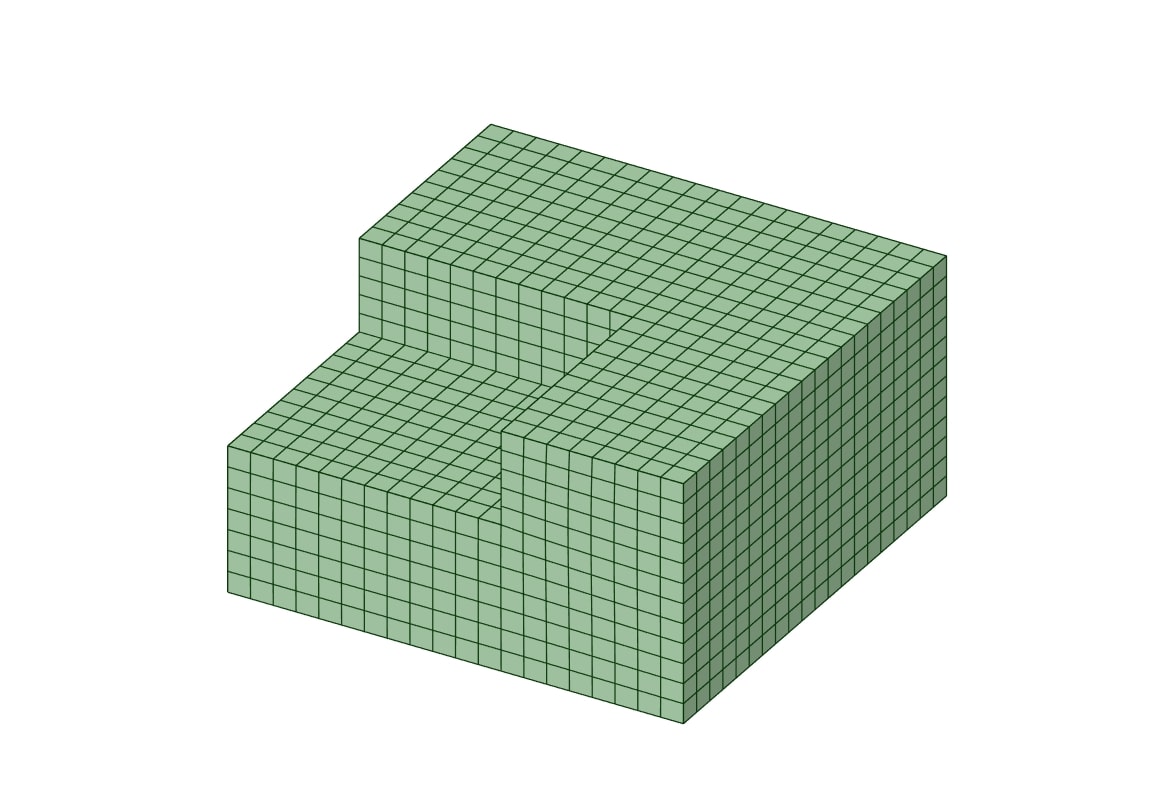
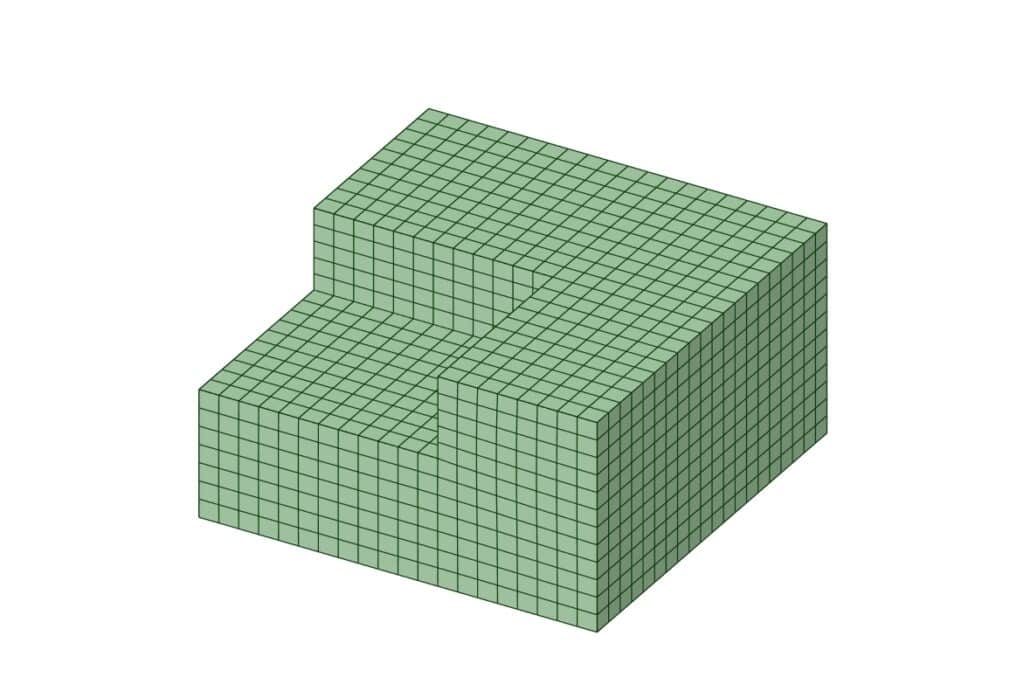
    To obtain a more accurate and reliable mesh, several techniques can be applied to improve mesh quality. One effective method is to locally adjust the mesh size in critical regions in order to smooth out or eliminate poor‑quality cells. In many cases, mesh quality can also be improved by splitting geometry faces, which helps SpaceClaim create cleaner, more regular blocks and therefore yields a higher‑quality mesh.
  3. Spaceclaim Mesh

  4. O‑grid Mesh
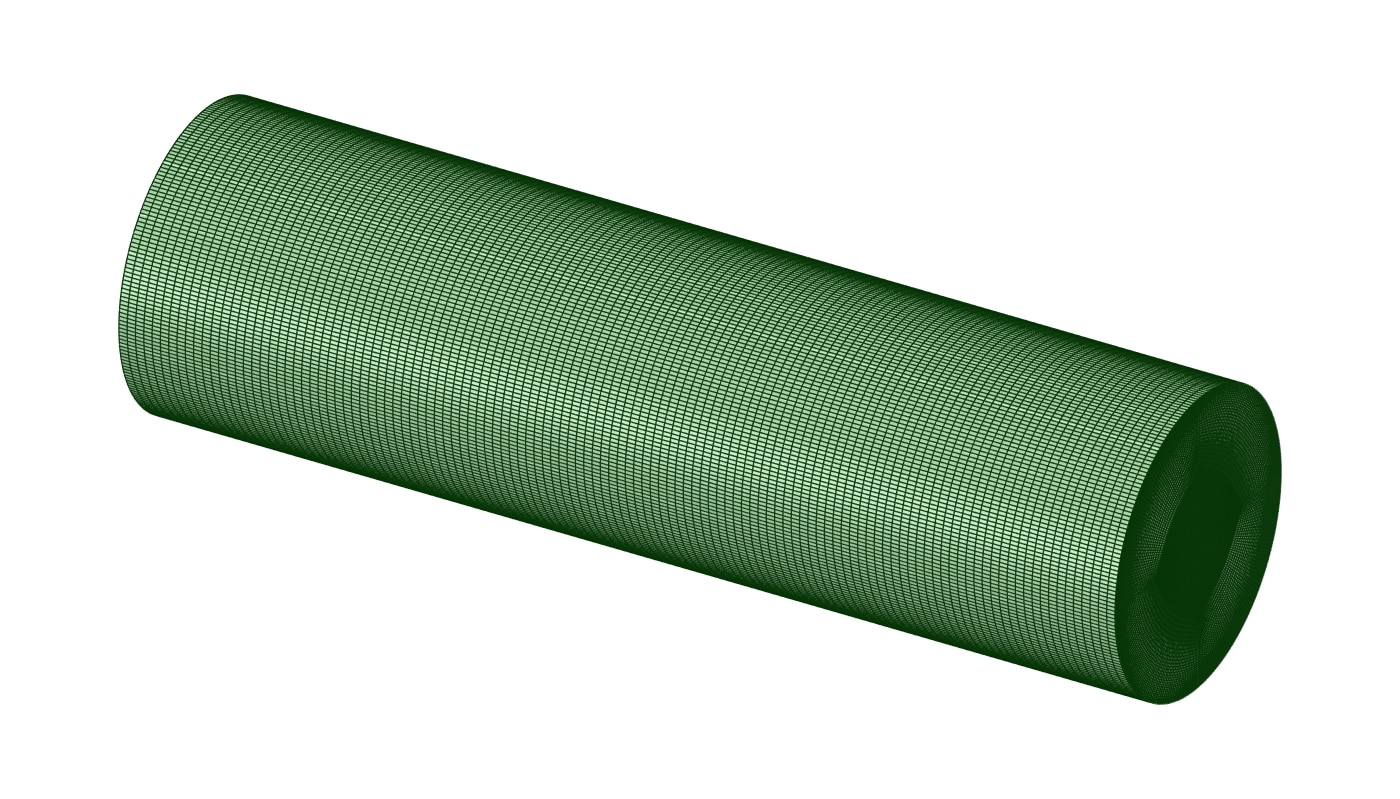
    SpaceClaim Meshing supports the creation of O‑grid meshes, and one of its key advantages is that you do not need to manually define the central block inside a circular cross‑section. Simply by selecting the appropriate curves of the geometry, the software automatically generates the central core block, greatly simplifying the meshing process for cylindrical flow domains.
  5. Spaceclaim Mesh

  6. Summary
    This session covered how to use SpaceClaim Meshing to create high‑quality structured and O‑grid meshes for internal pipe‑flow problems. The workflow included basic geometry preparation, edge sizing, biasing, and boundary‑layer generation around cylindrical walls. It also emphasized improving mesh quality through local sizing adjustments and face splitting to produce cleaner topology blocks. Finally, the session outlined how to check mesh quality and export the resulting mesh for use in CFD solvers.