


ANSYS SpaceClaim Training Course — Ep 01
Session 20
- Lesson
- 01
- Run Time
- 8m 27s
- Published
- May 5, 2026
- Category
- ANSYS Fluent
- Course Progress
- 0%
Introduction
In this session of the SpaceClaim training, we will examine the Prepare tab. The main purpose of this tab is to simplify and refine geometric models so they are suitable for analysis. Models imported from other CAD systems often contain irrelevant details or imperfections that complicate and slow down the meshing process. The tools in the Prepare tab help you clean up and streamline these geometries efficiently.Objectives
After introducing the different commands in the Prepare tab, this session focuses on several key tools, such as Volume Extract, Midsurface, Interference, Rounds, and Bad Faces. Each of these tools plays an important role in correcting and preparing geometries, so mastering them is crucial for effective pre‑processing.
2.1. Volume Extract
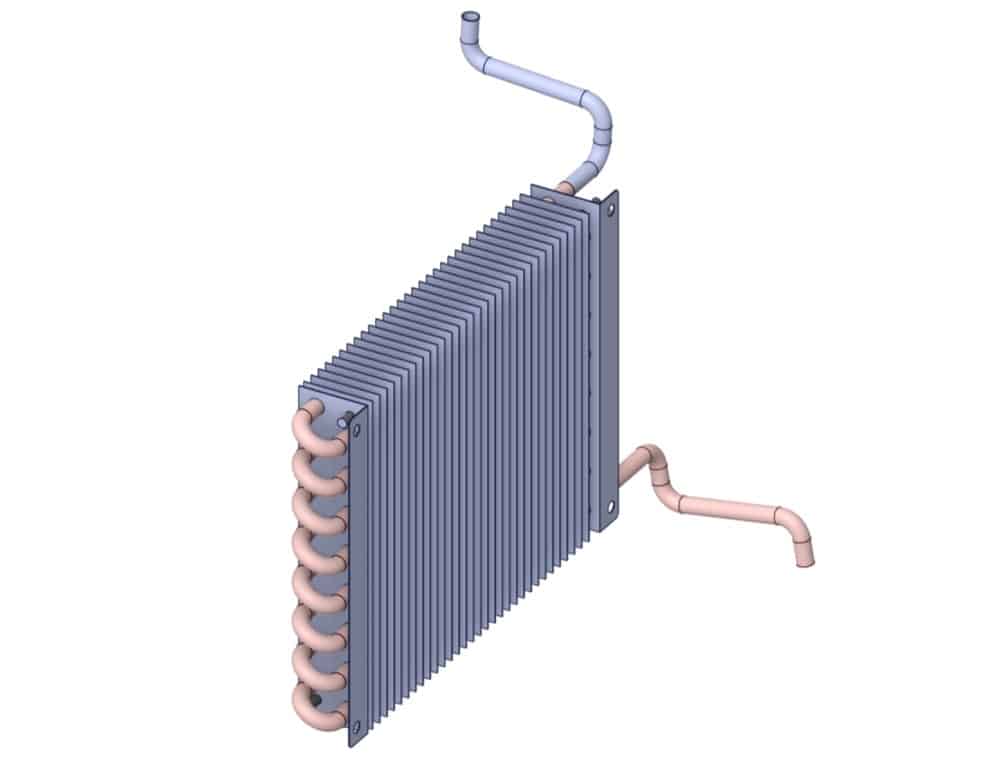
You may often work with a geometry you’ve created yourself, such as a heat exchanger, or a ready‑made model downloaded from another source. In many cases, these models are designed without considering fluid dynamics and therefore do not include the internal volume within tubes that is needed to represent fluid flow. SpaceClaim provides a built‑in command, Volume Extract, to address this problem and generate the required fluid domains automatically.
2.2. Midsurface
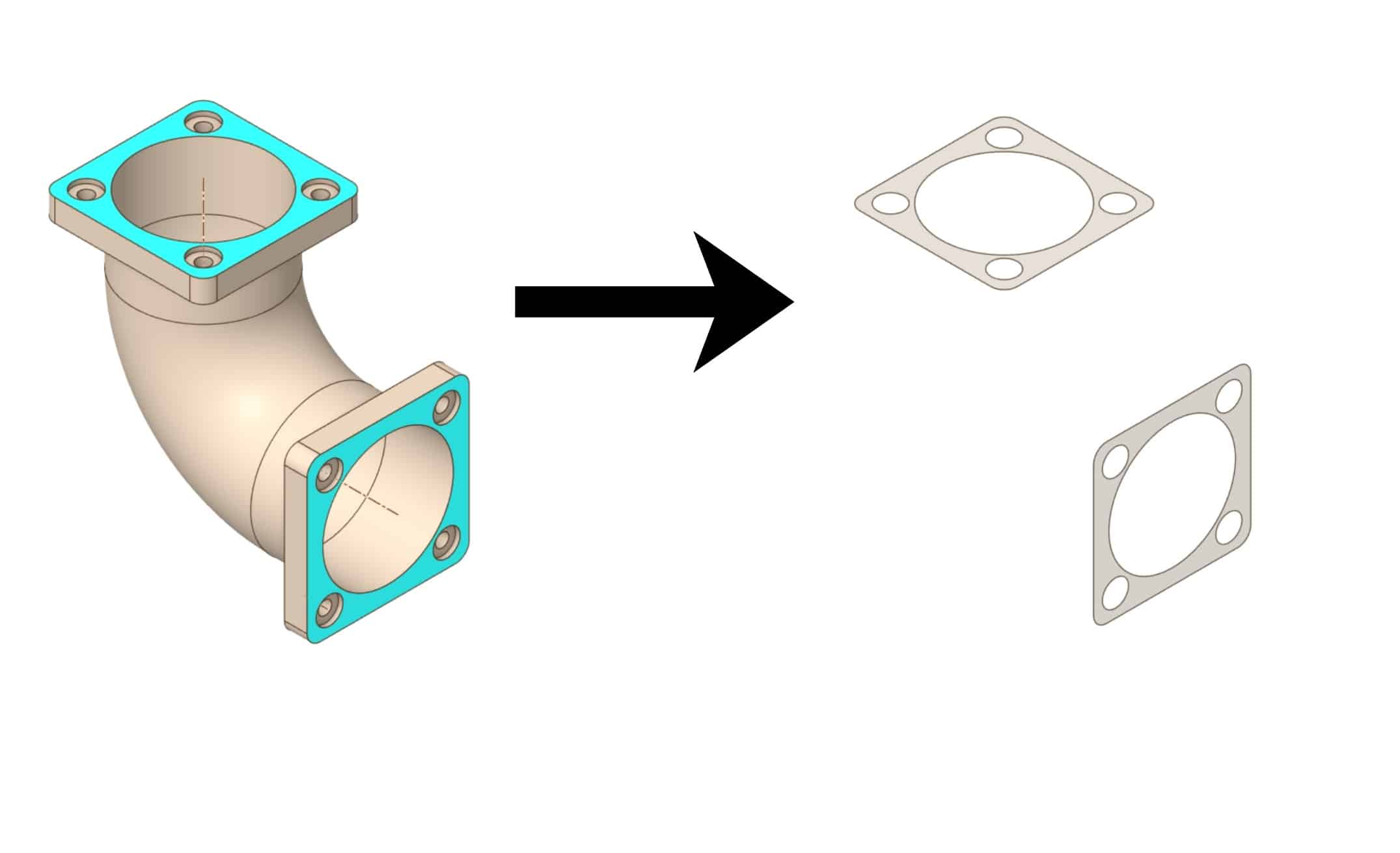
For 3D models with thin walls, such as sheet metal parts, the Midsurface command extracts a 2D surface located at the mid‑plane of the thickness. This simplification significantly reduces model complexity, making structural simulations faster and more efficient.
2.3. Bad Faces
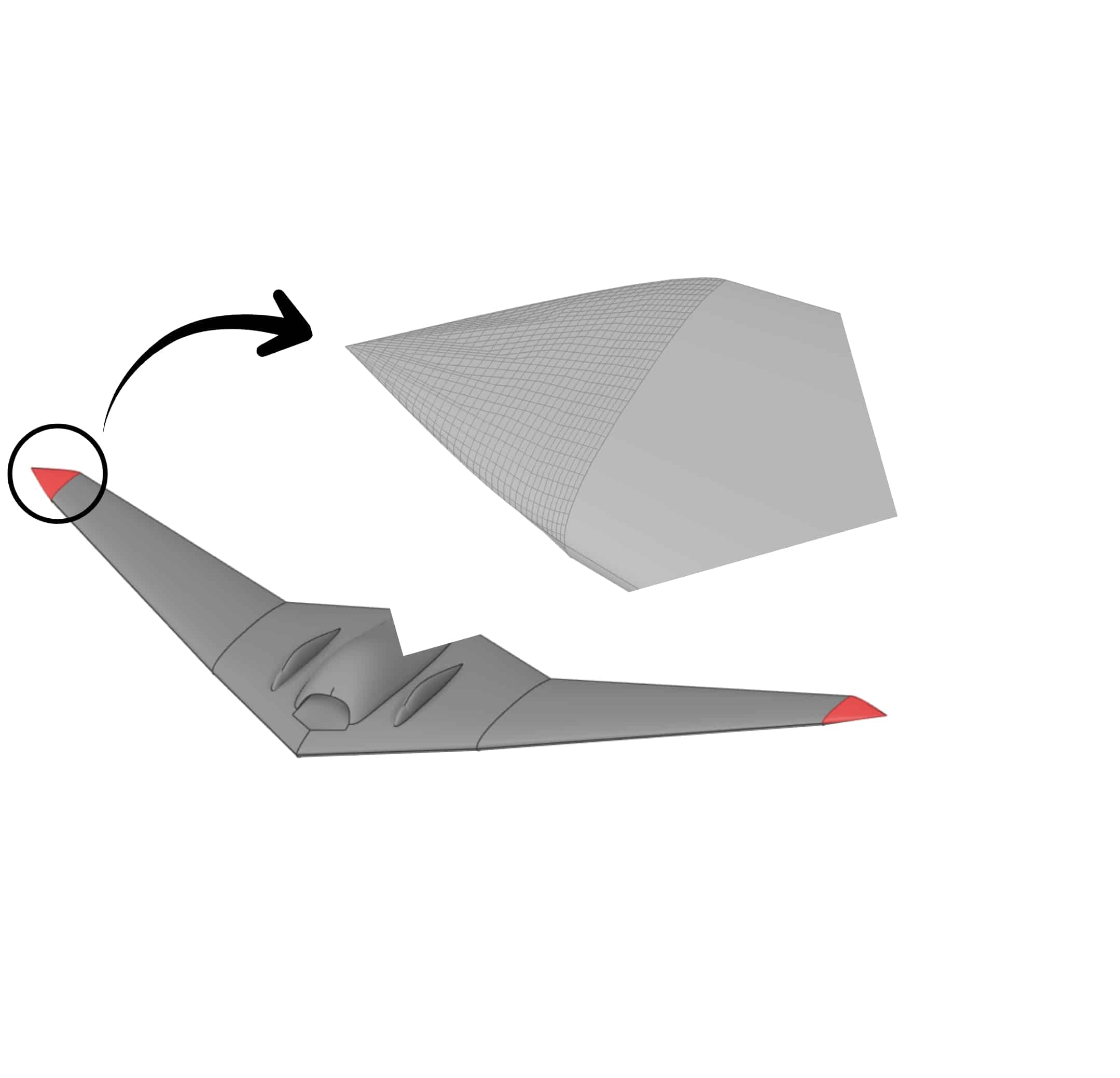
The Bad Faces tool detects and repairs problematic or corrupted surfaces in a geometry. It finds faces with issues in continuity, normals, or topology and provides options to either fix them automatically or remove them and replace them with new, well‑defined surfaces. This ensures the model remains a valid, closed solid suitable for downstream analysis.
Summary
This session introduced the Prepare tab in SpaceClaim and its role in preparing and optimizing geometries for analysis. Key tools presented include Volume Extract for creating internal fluid volumes, Midsurface for simplifying thin‑walled parts, Bad Faces for correcting surface defects, and commands such as Rounds removal and Interference for model cleanup. Together, these tools help you convert complex, imperfect CAD models into clean, closed, mesh‑ready solids suitable for simulation.